
Configure deployment protection
Deployment protection evaluates a change at a supported delivery step. It requires both Proofline settings and a connected deployment mechanism.
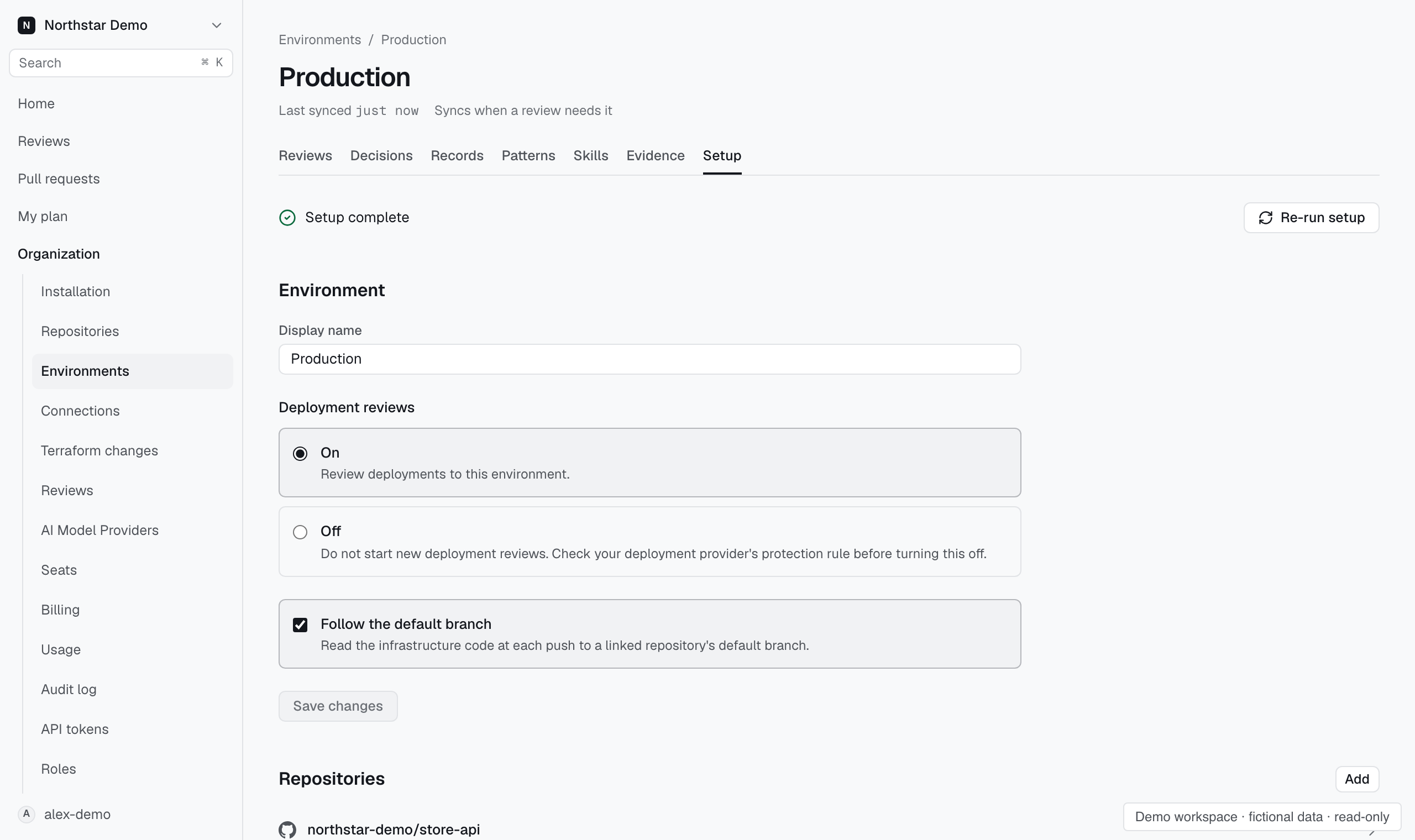
Check the delivery path#
Open the environment's Setup page. Confirm that its delivery mechanism matches the system that deploys the repository.
For GitHub Actions, follow the environment's GitHub protection rule setup. For Cloud Build, connect a trigger that requires approval.
Other delivery mechanisms may not send a deployment event. Pull request reviews can still run, but they do not establish a deployment gate.
Choose the review policy#
- Open Organization → Reviews → Automation.
- Review the deployment protection settings.
- Choose the blocking severity when the control is available.
- Check the environment's deployment review settings.
- Complete the protection setup shown for its delivery mechanism.
The severity choices distinguish serious findings from warning and serious findings. Choose the policy your team intends to enforce.
Inspect a deployment review#
Filter Reviews to deployment reviews, then open the result for the environment. Check the assessment and any recorded decision before proceeding.
An unavailable evidence source can leave the assessment incomplete. Resolve the reported condition rather than interpreting an incomplete result as approval.