
Find a review or pull request
Use Reviews to find an assessment, or Pull requests to start from the code change.
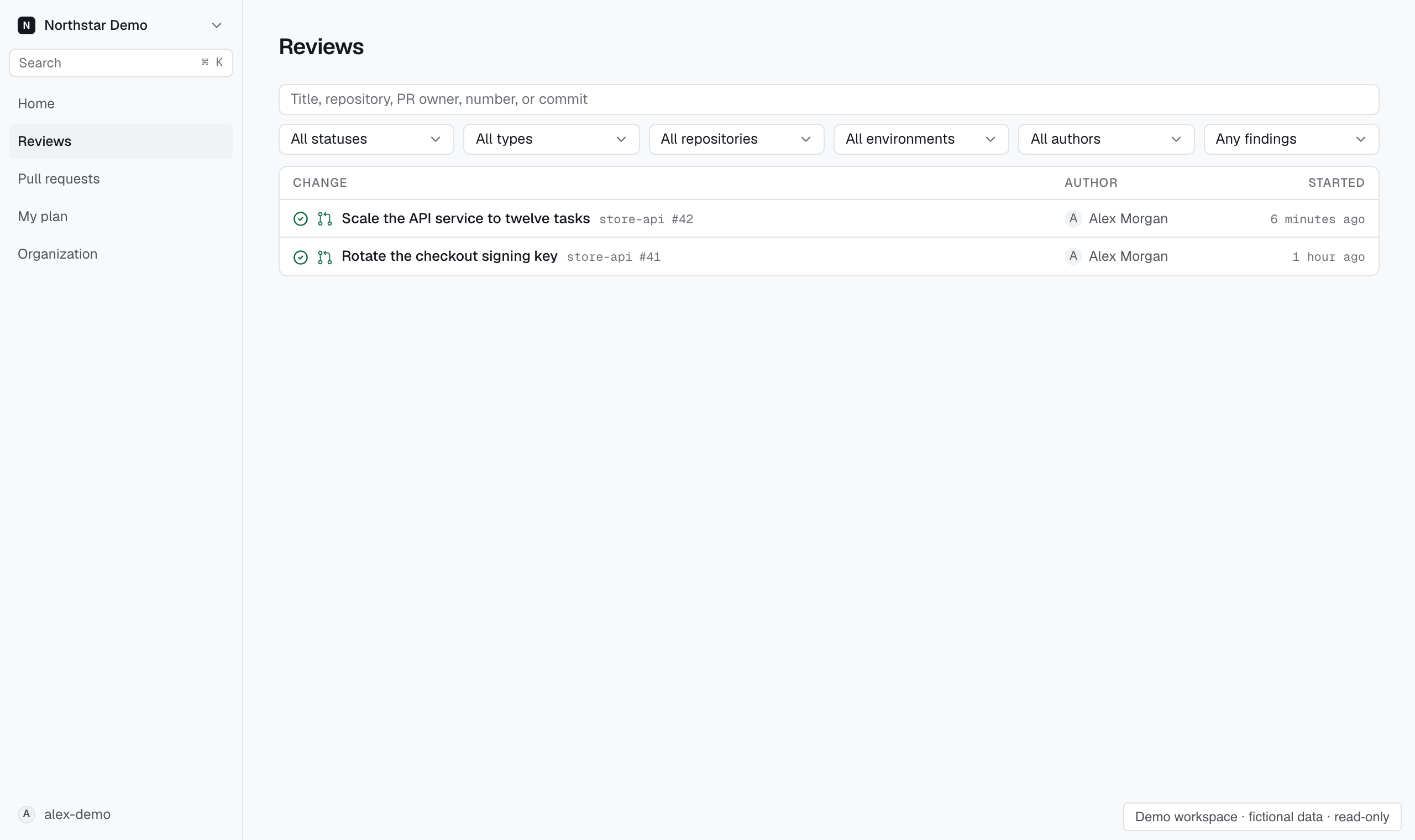
Search reviews#
Open Reviews and filter by status, review type, repository, environment, author, or findings. Choose Mine to narrow the list to your changes.
The review type distinguishes pull request reviews, deployment reviews, and reviews of local changes. Open a result to inspect its assessments.
If the list is empty, clear the filters before checking the repository setup.
Search pull requests#
Open Pull requests and search by title, repository, author, number, or commit. Use the state filter to narrow the results.
Select a repository to use the review attention filter. An outdated review refers to an earlier version of the change; check its commit before acting on findings.
Choose Requested from me to find recorded direct review requests from GitHub. Team requests are excluded; unavailable request snapshots remain listed.
Pull requests closed before the GitHub app was installed do not appear in this list.
Find an absent review#
A pull request can exist without a review. Check Pull requests not reviewed for the reason and the action that can resolve it.