
Remove an environment or connection
Remove a connection when Proofline should stop using it. Remove an environment when that deployment target no longer needs reviews.
Before removal#
Check which repositories use the environment and which evidence comes from the connection. Removing an evidence source can affect later assessments.
Recorded reviews remain in history. Removing setup does not rewrite earlier findings or evidence bundles.
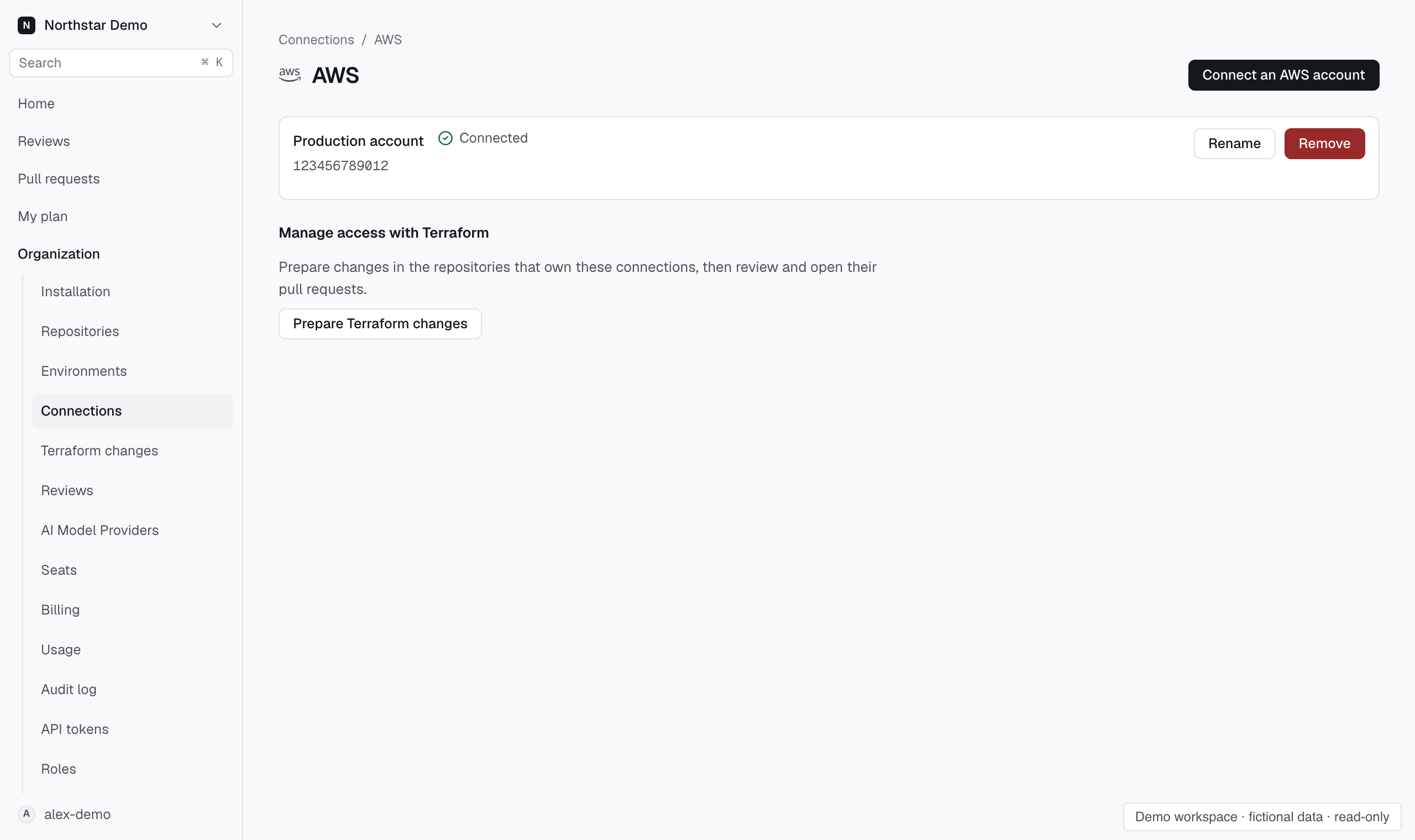
Remove a connection#
- Open Organization → Connections, or the environment's Setup page.
- Find the connection you want to remove.
- Select its removal action.
- Read the affected scope and confirm removal.
Check the final state. If cleanup needs another attempt, use the retry action shown by the console.
Remove an environment#
Open the environment's Setup page and choose the removal action. Confirm only after checking its repository links and evidence connections.
Removing the environment stops its reviews and removes its evidence connections. Its recorded review history remains available.