
Get your first review
Connect a GitHub repository to its deployment environment so Proofline can review code changes against the infrastructure they affect.
Before you start#
Use a GitHub account that can access the repository. Ask an organization administrator to complete installation and connection setup if you cannot change these settings.
Set up the repository#
- Sign in with GitHub and select your organization.
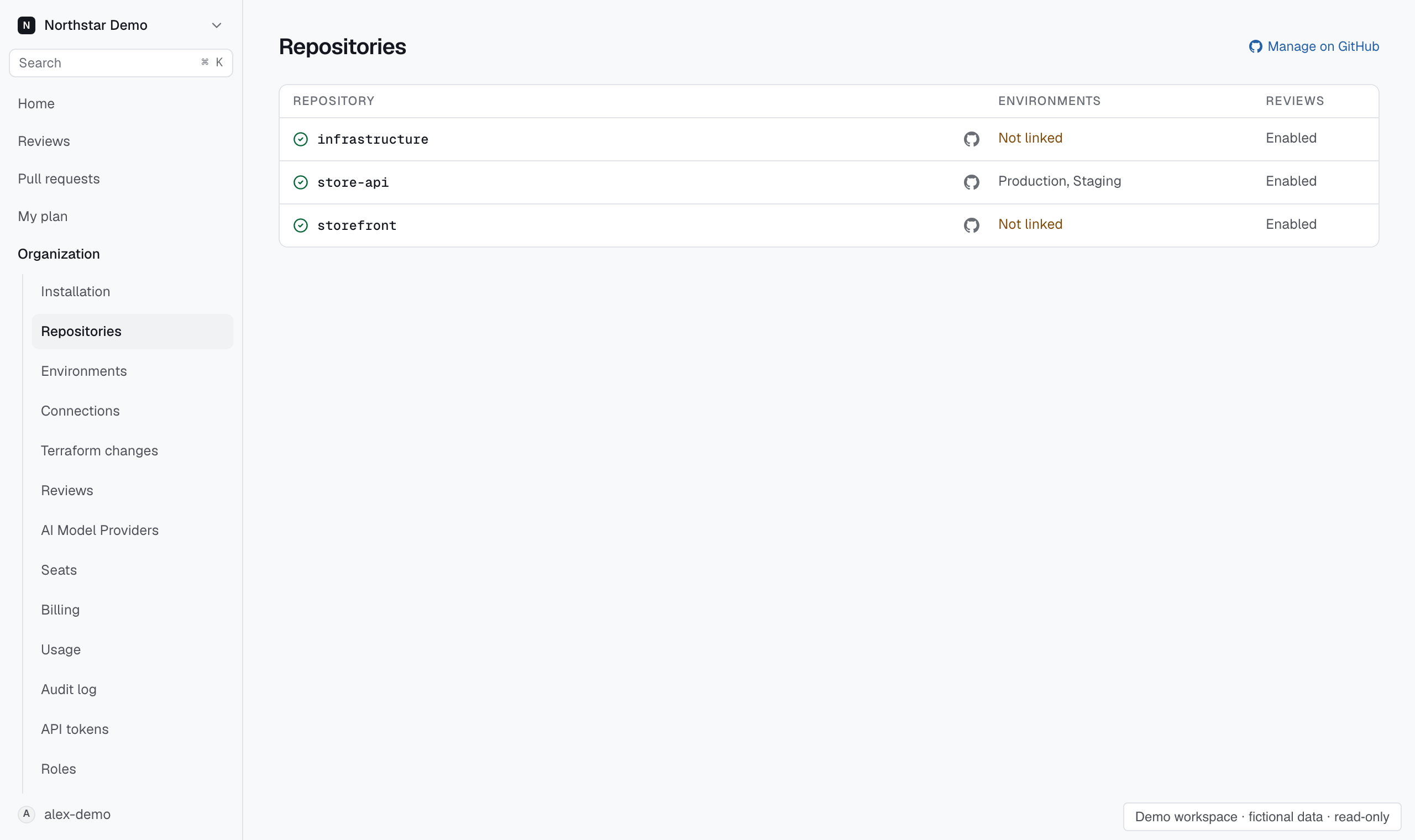
- Open Organization → Repositories.
- Use Manage on GitHub to grant the Proofline app access to your repository.
- Open the repository in Proofline and link its deployment environment.
- Connect the environment's cloud accounts through Organization → Connections.
- Check the repository's review settings and the author's seat assignment.
The environment needs usable evidence before an environment assessment can complete. Creating an environment alone does not connect its infrastructure.
Read the result#
Open Pull requests to find the change, then open its review. Read the assessment for each environment and inspect any findings.
A finding explains the failure mechanism, the supporting evidence, and a suggested correction. Missing evidence can leave an assessment incomplete. An empty findings list does not certify a safe deployment.
If no review appears, follow Find out why a pull request was not reviewed.