
Link repositories and environments
Link a repository to each environment where its code runs. These links tell Proofline which infrastructure context belongs to a change.
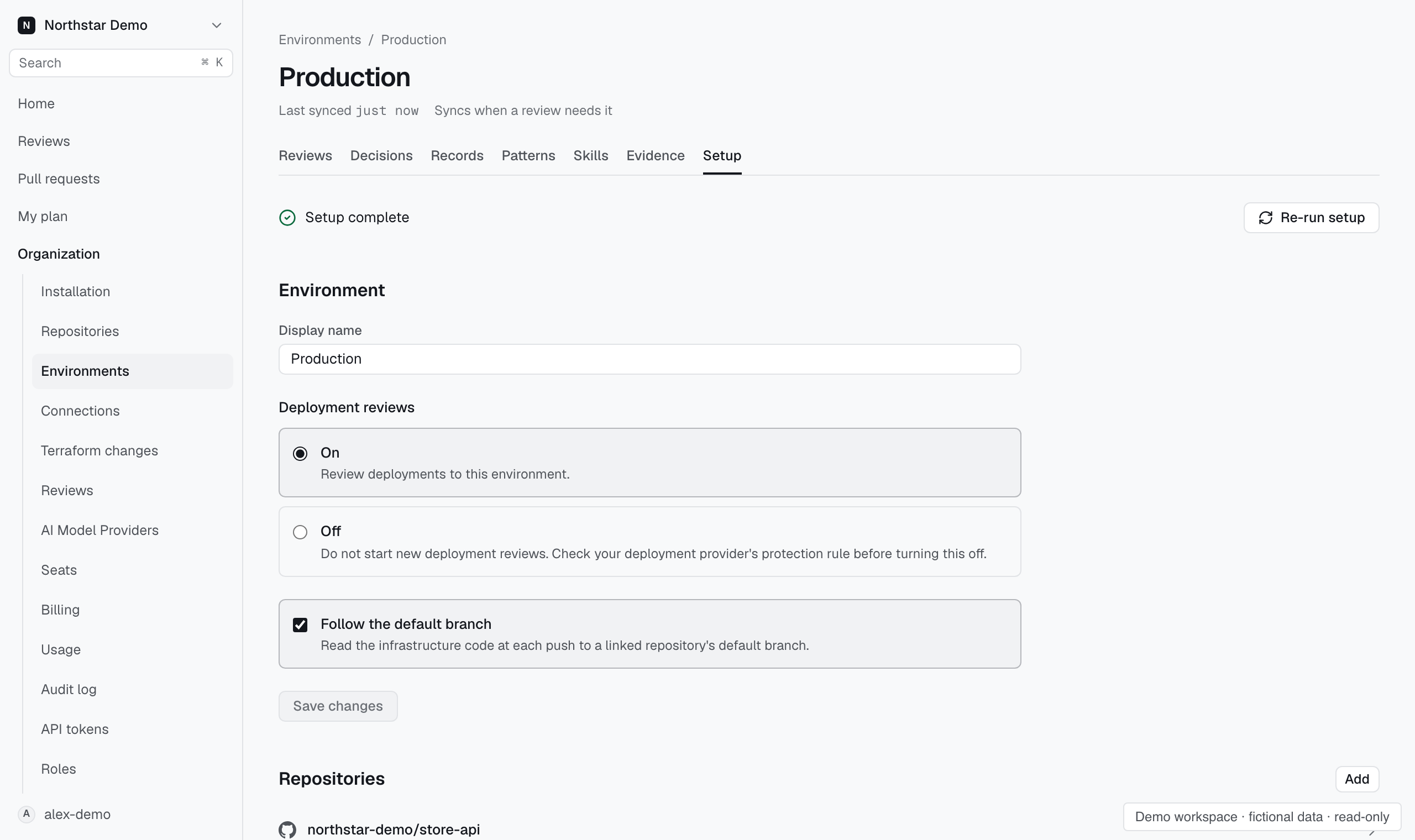
Add an environment link#
- Open Organization → Repositories.
- Select the repository and open its setup.
- Find Environments and select the environment to link.
- Review the participation and review settings for that link.
- Confirm the repository's delivery mechanism when requested.
A repository can participate in more than one environment. Choose links that match its actual deployment path.
Confirm delivery#
The delivery mechanism describes how the repository reaches the environment. Choose the mechanism your team uses, then complete any setup shown for it.
An unconfirmed delivery choice is not a working deployment protection rule. Check the environment's setup before relying on deployment reviews.
Check the other side#
Open the environment's Setup page to inspect its repositories and cloud connections. A repository link supplies code context; its connections supply infrastructure evidence.
If the environment is not ready, inspect evidence coverage and finish the missing connection setup.