
Review repository configuration
The repository configuration page shows the configuration Proofline reads for reviews and lets you validate a YAML draft.
Inspect the active configuration#
Open the repository's Configuration page. Check whether its default branch has a readable .proofline.yaml file and whether the file is valid.
Each review reads the configuration at its merge base. A configuration change proposed in a pull request takes effect for later reviews after it merges.
When the page reports an invalid file, review the validation errors. The page explains when console settings apply instead.
Validate a draft#
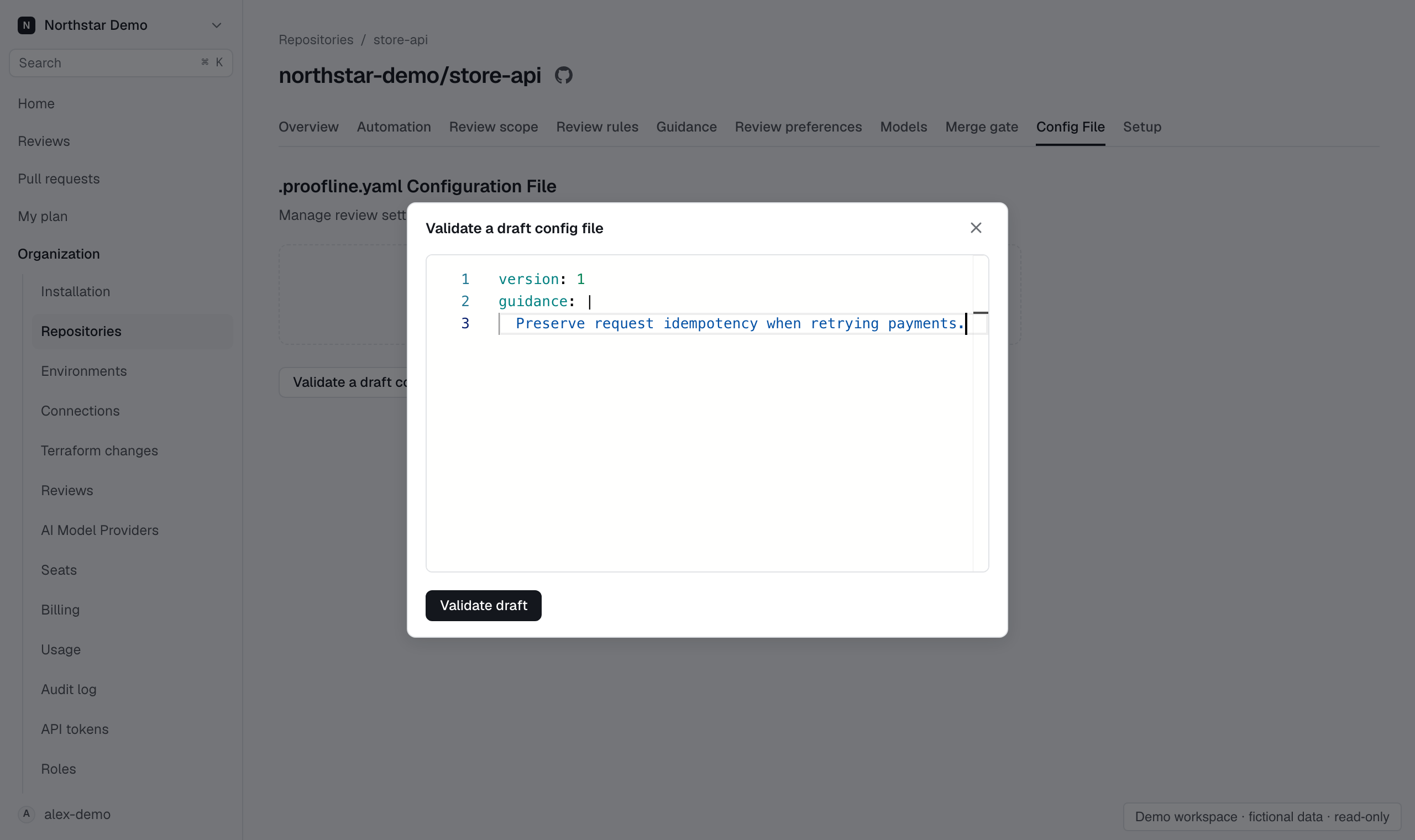
- Select Validate a draft on the repository’s Configuration page.
- Enter or paste the YAML into Draft YAML in the modal.
- Select Validate draft and correct any reported errors.
- Close the modal when you finish.
A valid draft is not saved to the repository. Commit the configuration through your normal GitHub workflow.
Inspect a proposed change#
The pull request preview shows the proposed configuration changes when the file can be read. Check changed keys before merging.
If the preview reports invalid or unavailable configuration, resolve that condition before assuming the proposed settings will apply.