
Check evidence coverage
Use an environment's Evidence page to inspect source freshness and collection issues when a review lacks the context it needs.
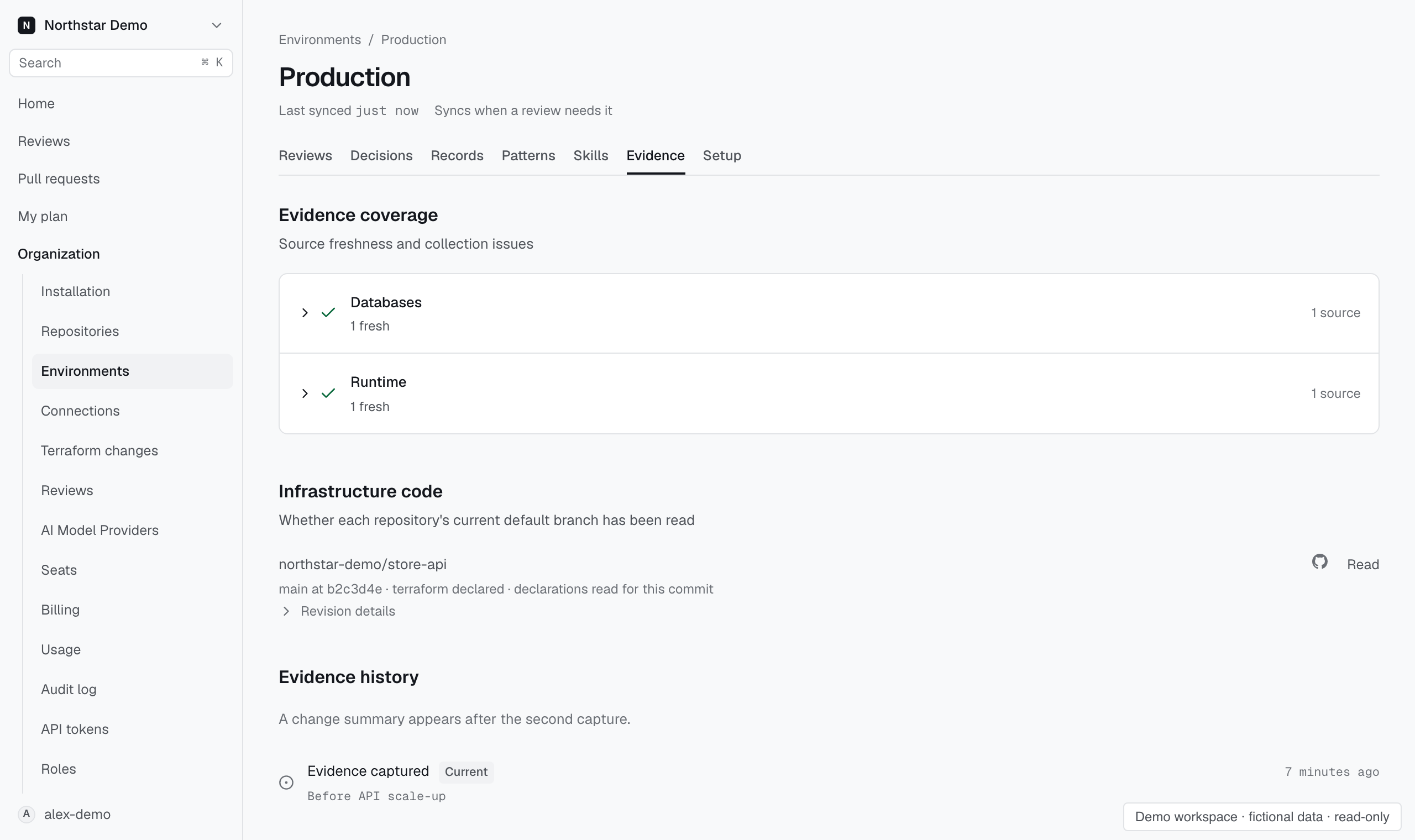
Inspect sources#
- Open the environment.
- Select Evidence and find Evidence coverage.
- Search for the source involved in the review.
- Read its observation details and any reported error.
When the search control says Search loaded, it searches the records currently loaded in the page. Load more records when needed.
Interpret a source problem#
A source can be missing, stale, or unreachable. Read the specific collection error before changing its connection.
Check whether the source belongs to the intended environment, whether setup finished, and whether its configured access still works.
The oldest observation helps you judge the age of the collected context. A source that reported an error can leave coverage incomplete.
Reassess after recovery#
Correct the source problem and check its collection state. Run a new review to assess the change with the updated evidence.
Earlier assessments keep their recorded evidence. Restoring a source does not retroactively complete an earlier review.