
Rerun, stop, or publish a review
Use the review's available actions to start a fresh assessment, stop active work, or publish a completed result to the pull request.
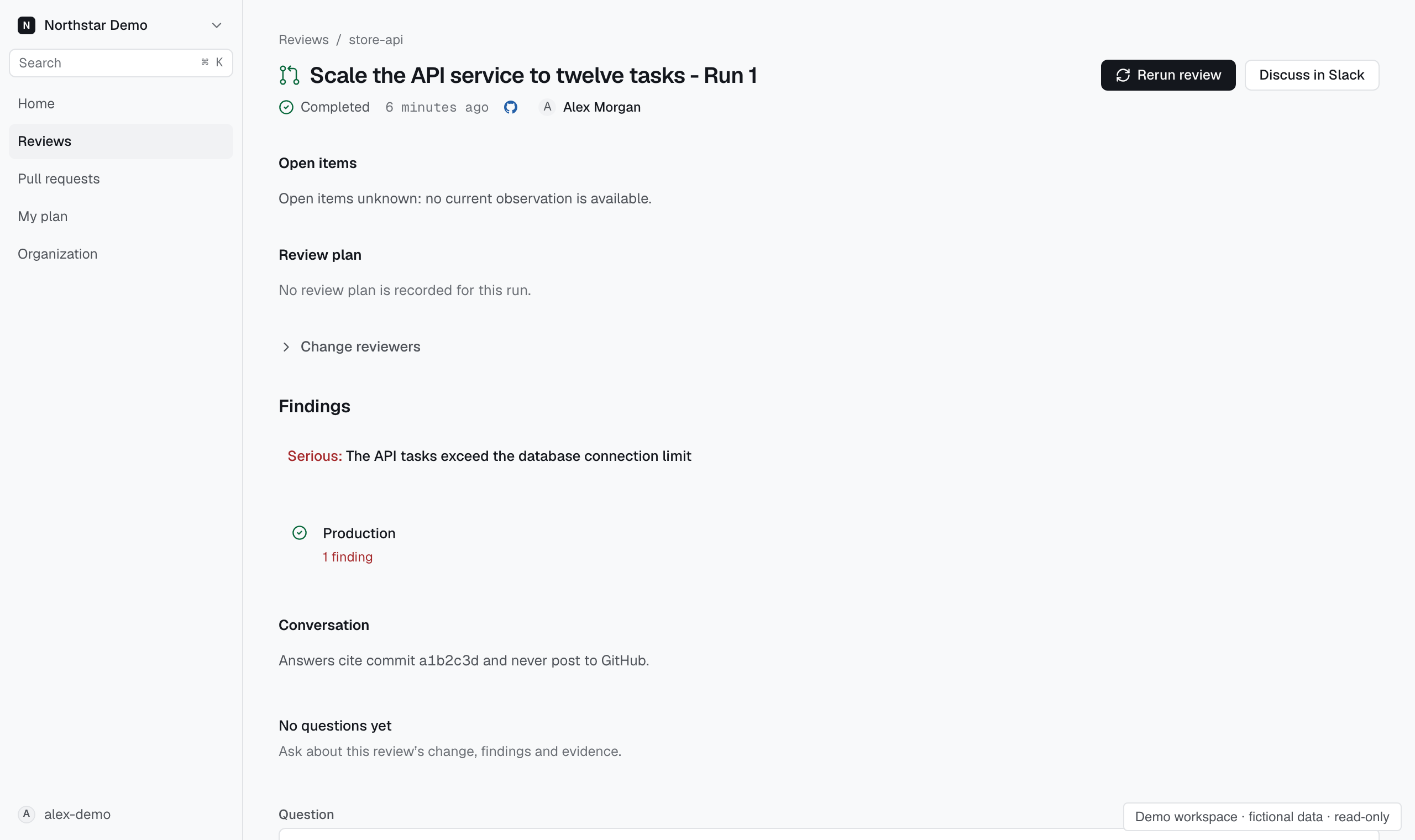
Rerun a review#
- Open the review.
- Select Rerun review when the action is available.
- Open the new review and check its code and environment.
A rerun creates a new record. It does not replace the original review or its findings.
If the action is unavailable, check whether the review is still active and whether your role permits the action.
Stop active work#
Select Stop review on an active review when the action is available. Check the resulting status before assuming the work has stopped.
Stopping a review does not turn its partial work into a completed assessment.
Publish a withheld result#
A completed review can show Publish to the pull request when publication was withheld and your role permits publishing.
Read the notice before publishing. If the result cannot be published for the current change, start a new review for the current commit.