
Inspect the audit log
Use Organization → Audit log to investigate recorded organization activity and configuration changes.
Find the event#
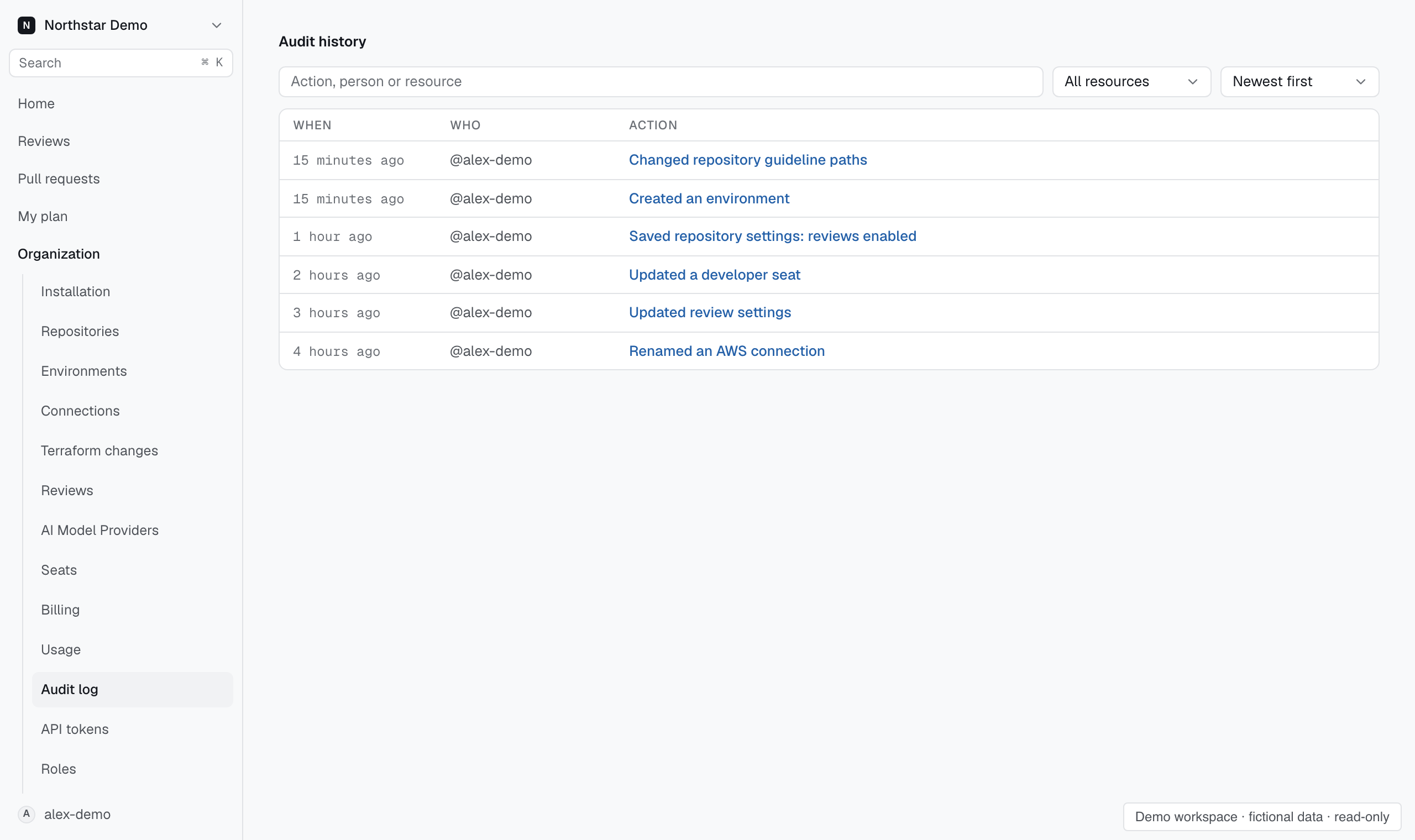
- Open Organization → Audit log. The page heading is Audit history.
- Search by action, person, or resource. For example, search for the person who changed a repository’s review settings.
- Use Resource to narrow the event type, then choose Newest first or Oldest first.
- Match the When, Who, and Action columns to the change you are investigating.
Open relevant entries to inspect their recorded details. Use the displayed actor and action to understand what happened.
Follow a settings change#
For role changes, open the role's View change history page. Resource-specific history keeps the revisions next to the setting they describe.
Compare the recorded change with the current setting. A later edit can explain why the current value differs from the event you found.
Use review evidence separately#
The audit log records activity. To investigate a review's conclusion, open that review and inspect its finding and evidence bundle.
If you cannot open the audit log, ask an administrator for access appropriate to the investigation.