
Connect a repository
Give the Proofline GitHub app access to a repository, then choose the environments that its changes affect.
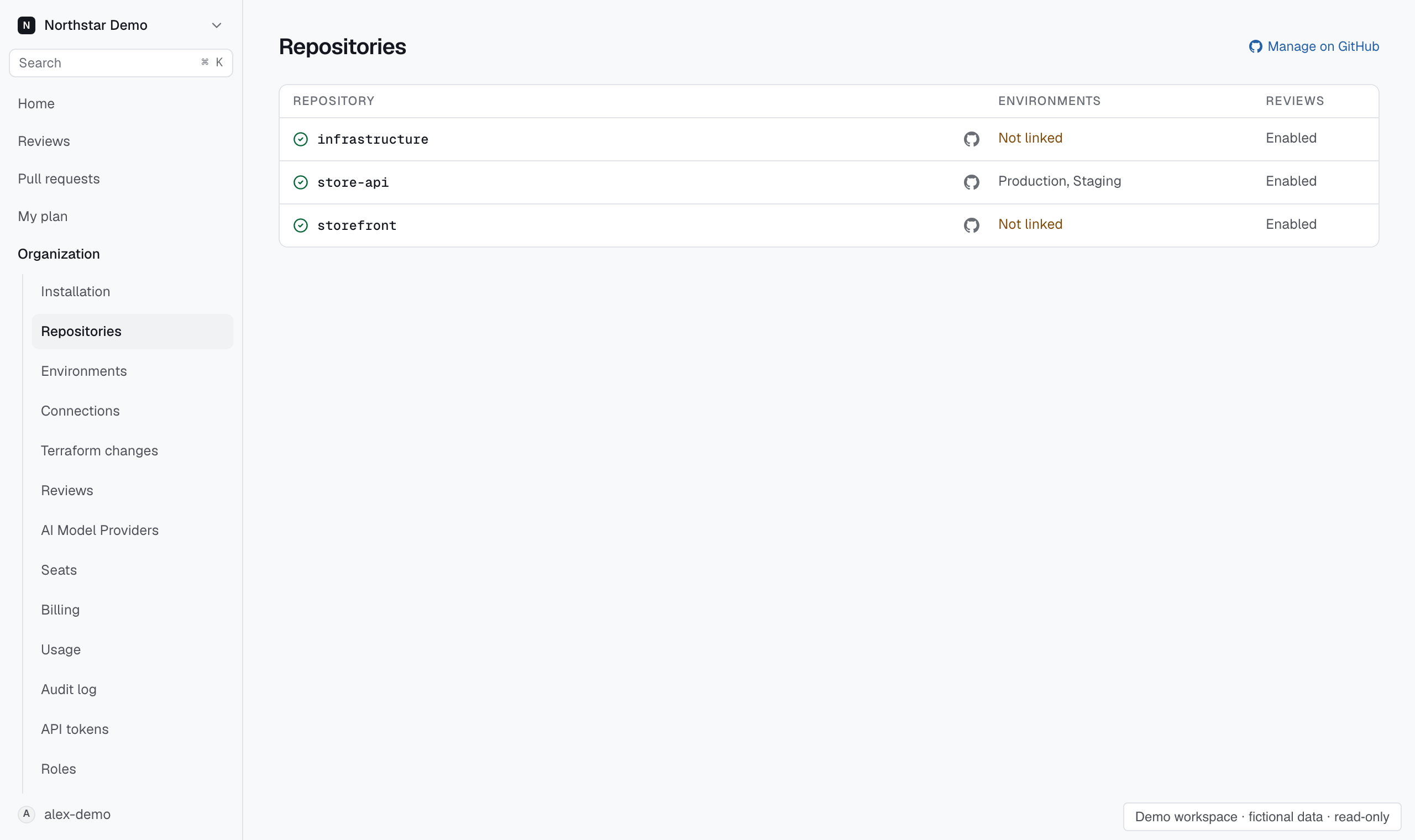
Grant repository access#
- Open Organization → Repositories.
- Select Manage on GitHub.
- In GitHub, select the repositories the Proofline app can access.
- Return to Proofline and open the repository.
- Link its environment and check its review settings.
GitHub controls installation access. Connecting a repository in Proofline cannot grant access that the GitHub installation does not have.
Find an imported repository#
Search by repository or environment. Use the access and review filters to narrow the list. Archived repositories are hidden by default.
A repository with no environment link needs setup before Proofline can assess its deployment context. See Link repositories and environments.
Recover lost access#
If a repository shows lost access, check the installation in GitHub. Confirm that the app still has access and that the repository is available.
If the repository is archived, use Show archived or the access filter to find it. Restoring installation access and enabling reviews are separate settings.