
Manage roles and grants
Use roles to define what people can do, then grant those roles to people or teams in the organization.
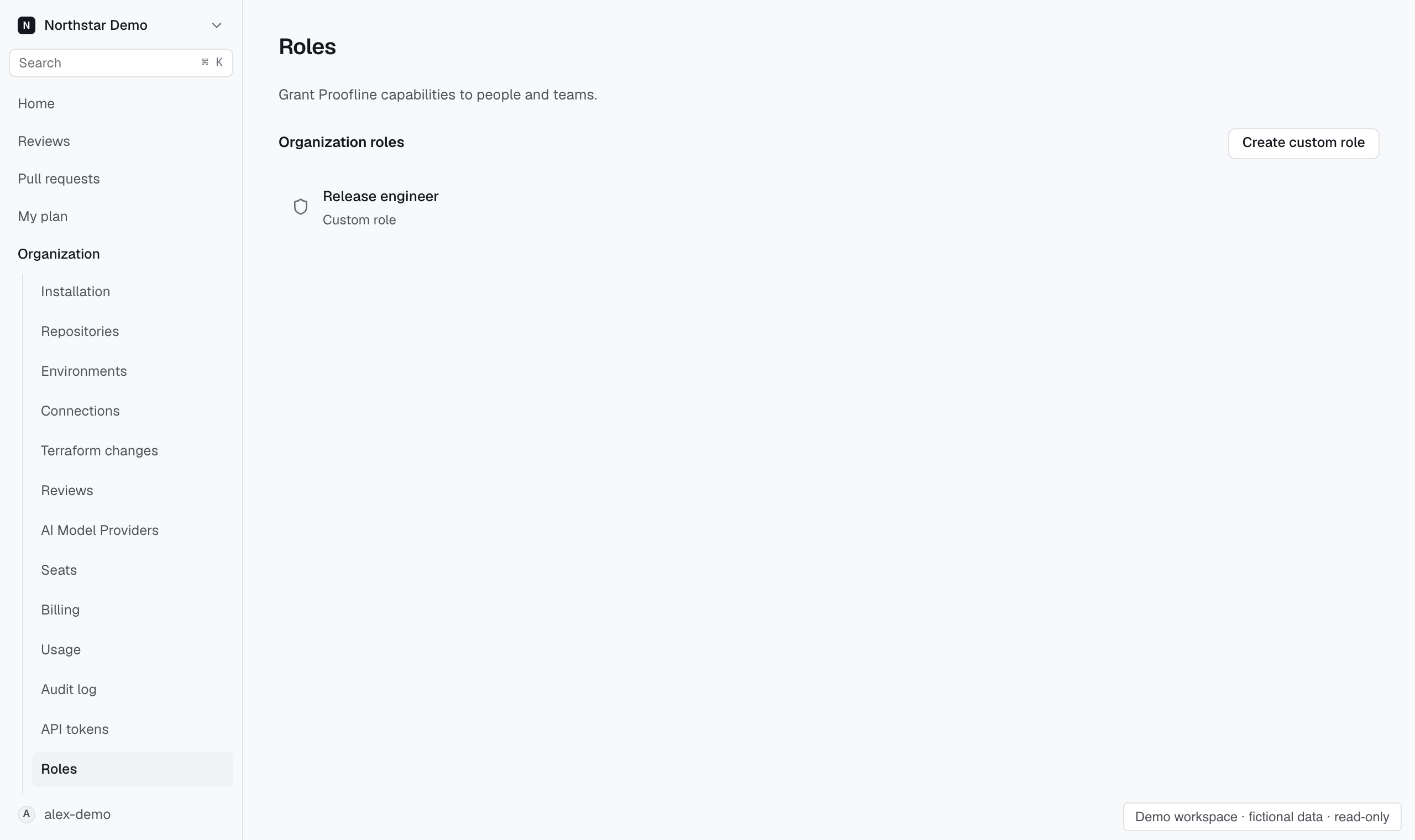
Create a custom role#
- Open Organization → Roles.
- Choose Create custom role.
- Name the role for the responsibility it represents.
- Select the capabilities needed for that responsibility.
- Save the role.
Capability groups support selecting the whole group or individual capabilities. Check partial selections before saving.
Roles derived from GitHub membership cannot be assigned through a manual grant.
Grant access#
Open the role's grants. Choose Person or Team, then search by GitHub login or team name. Select the recipient and grant the role.
A grant changes what that recipient can do in this organization. It does not grant repository access in GitHub.
Remove or inspect access#
Revoke a grant when the recipient no longer needs it. Revocation stops requests from using that grant's capabilities immediately.
Archiving a role stops its grants from authorizing requests. Use View change history to inspect recorded changes.
If another session changes the role while you edit, review the current settings before replacing or saving your draft.