
Create an environment
An environment groups the infrastructure evidence and repository links for a deployment target, such as production or staging.
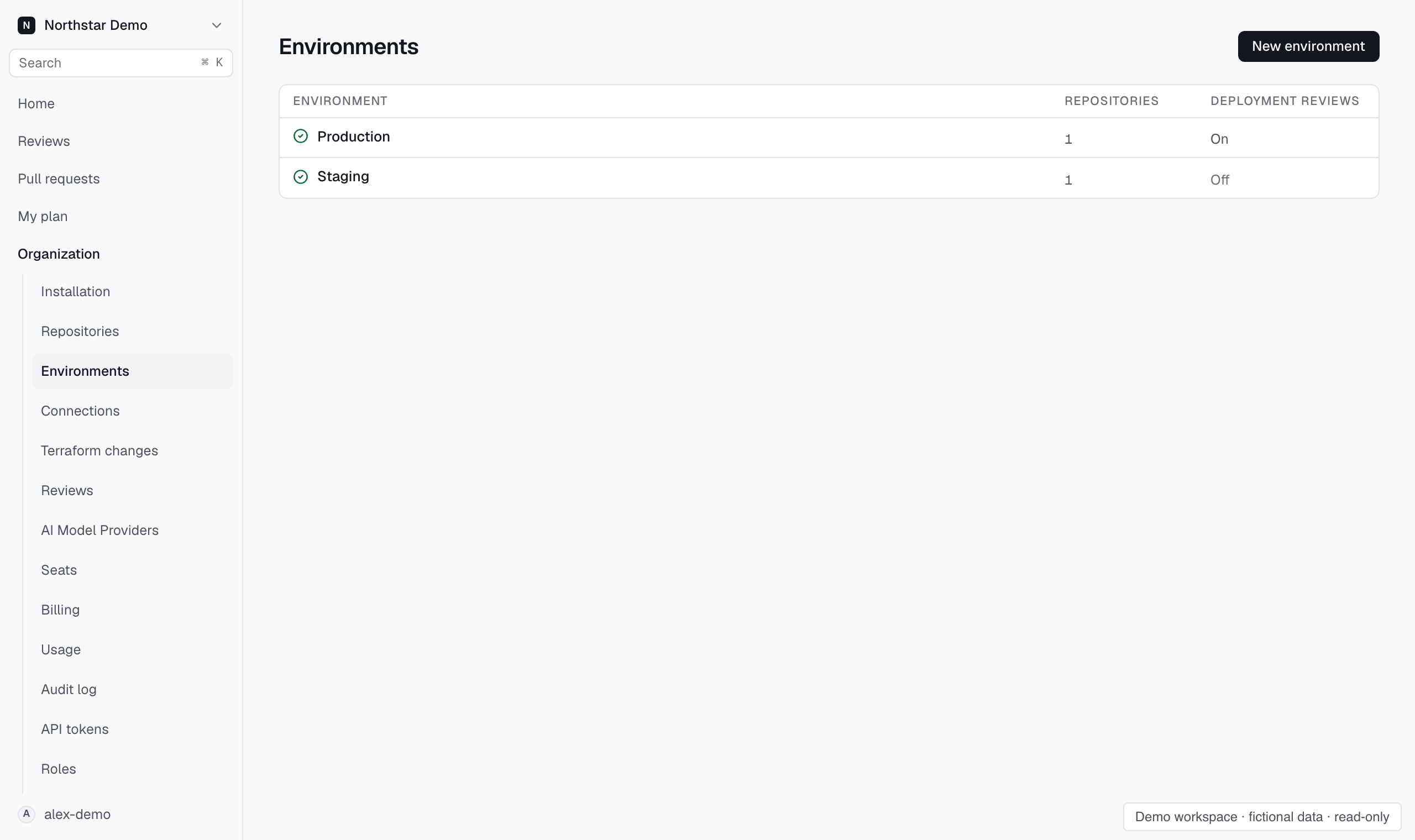
Add the environment#
- Open Organization → Environments.
- Select New environment.
- Enter an environment key and a display name.
- Create the environment and open Setup.
- Link the repositories that deploy to it.
- Add the cloud connections that supply its evidence.
Choose a key that identifies the deployment target. Use the display name for the name people should see in the console.
Check readiness#
A newly created environment needs connections and usable evidence. If the page says Environment not ready for reviews, inspect setup and evidence coverage.
The environment can show Syncing now or Syncs when a review needs it. These describe collection activity, not a guarantee that every required source is available.
Configure delivery#
Choose the delivery mechanism and deployment review settings in Setup. Complete the provider-specific protection setup before relying on deployment reviews.