
Configure GitHub Issues
Choose which repositories' issues your organization allows as linked context. An automatic pull request review reads the issues its pull request names in those repositories.
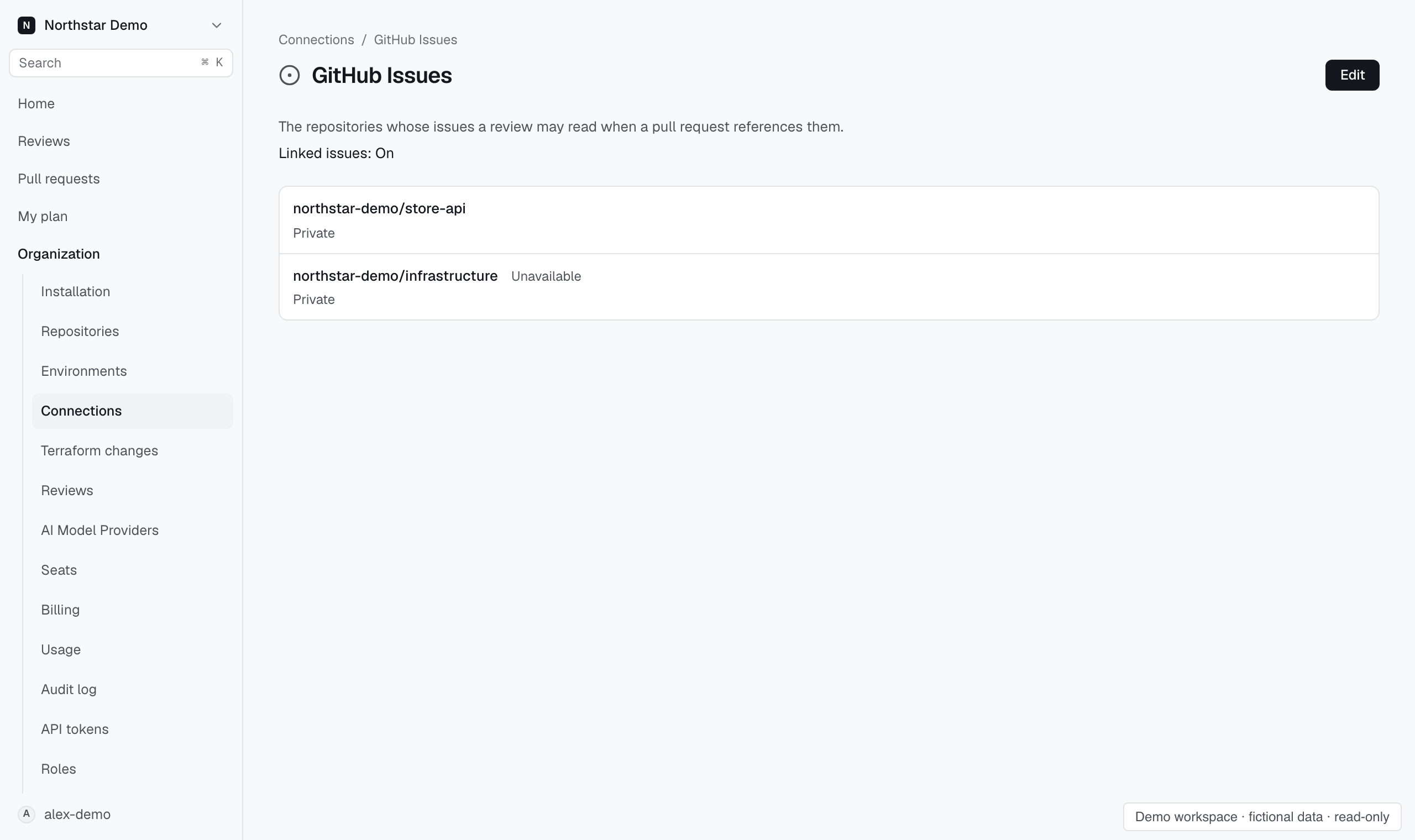
Choose repositories#
- Open Organization → Connections → GitHub Issues.
- Select Edit.
- Set Allow reviews to read linked issues and choose the repositories to allow.
- Select Save.
Use Find repositories to narrow the list. The group checkbox selects or clears the available matching repositories.
An unavailable repository can remain selected or be removed. It cannot be added while unavailable.
When you cannot edit#
An organization administrator can change these settings. If no repositories appear, open GitHub and install the Proofline GitHub App on the repositories you need.