
Start a cloud coding-agent session
Send an environment finding's reviewed prompt to Cursor or Devin. The vendor bills its connected account for the session.
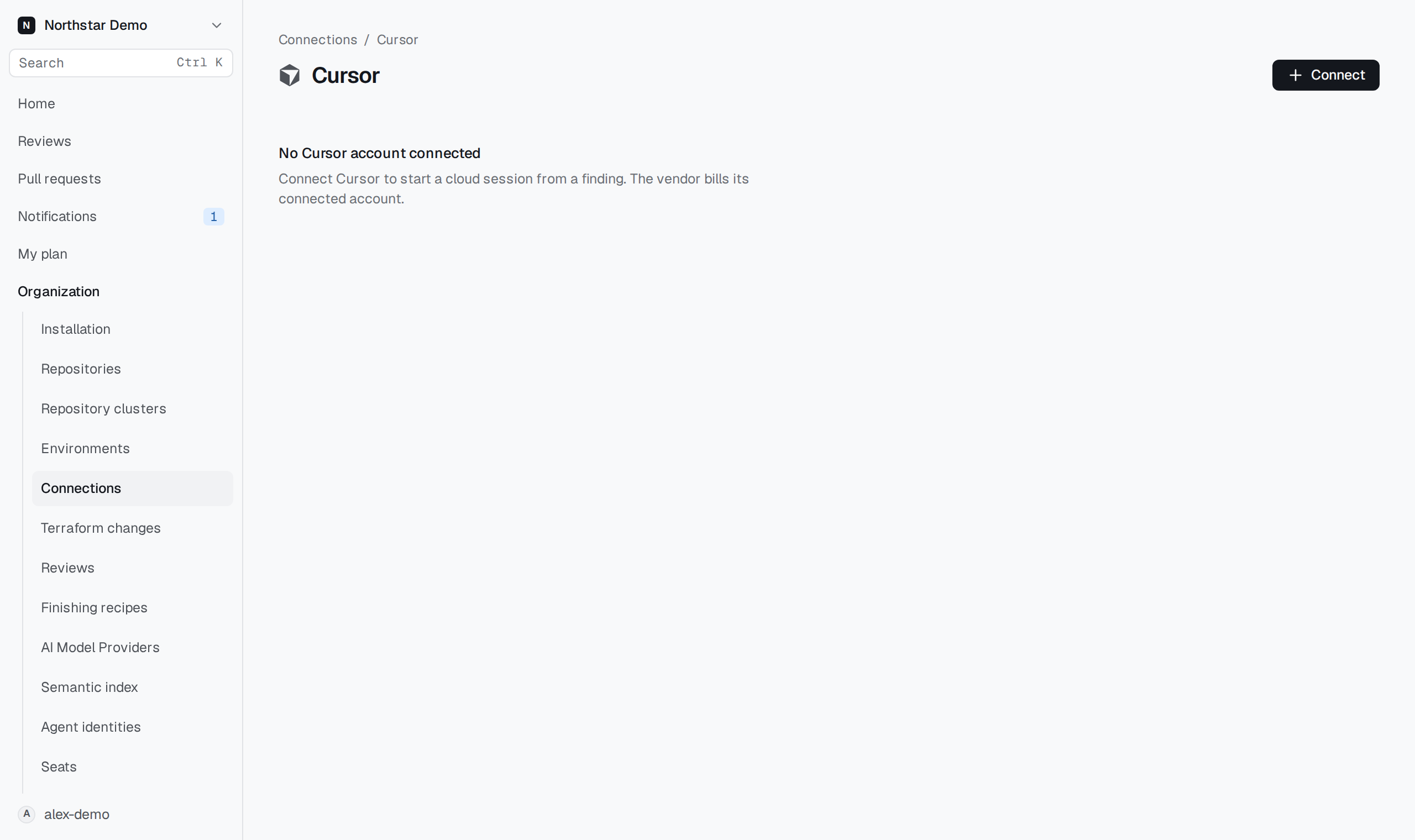
Connect a vendor#
An organization administrator completes this setup:
- Open Organization → Connections, choose Cursor or Devin under Coding agents, and select Connect.
- Enter the vendor’s API key. Devin also needs its organization ID.
- Select the Allowed repositories.
- Confirm that the vendor already has GitHub access to those repositories.
- Select Connect.
A connection allows up to 100 repositories. This declaration does not install the vendor's GitHub app or grant it repository access.
Open the connection to Replace API key or Disconnect. Disconnecting prevents new sessions through that connection; sessions already running may continue at the vendor.
Review and send the prompt#
- Open an environment finding and find Cloud sessions.
- Select Review session prompt.
- Check the repository, pull request, and exact commit.
- Choose the Vendor connection and read Prompt sent to the vendor.
- Select Start in Cursor or Start in Devin.
Starting a session requires operational access and current GitHub write access to the finding's repository. The connection must allow that repository. The prompt shows when protected values have been withheld.
Follow the result#
The finding records the session's status and links to the vendor and any verified pull request. Vendor finished means the vendor finished its work. Inspect and test the changes before marking the finding fixed.
If the commit changed, rerun the review before requesting another session. If a start is unconfirmed, check the vendor first: the session may already exist. Proofline follows a session for up to six hours; use the vendor for its status afterward.
Sessions are limited to three per finding series at one commit and 50 per organization each day.