
Triage a pull request review
Start with the pull request, its head commit and the review run you are investigating. Use the Inbox to find work that needs your attention, then follow the recorded checks, costs and conversations for that run.
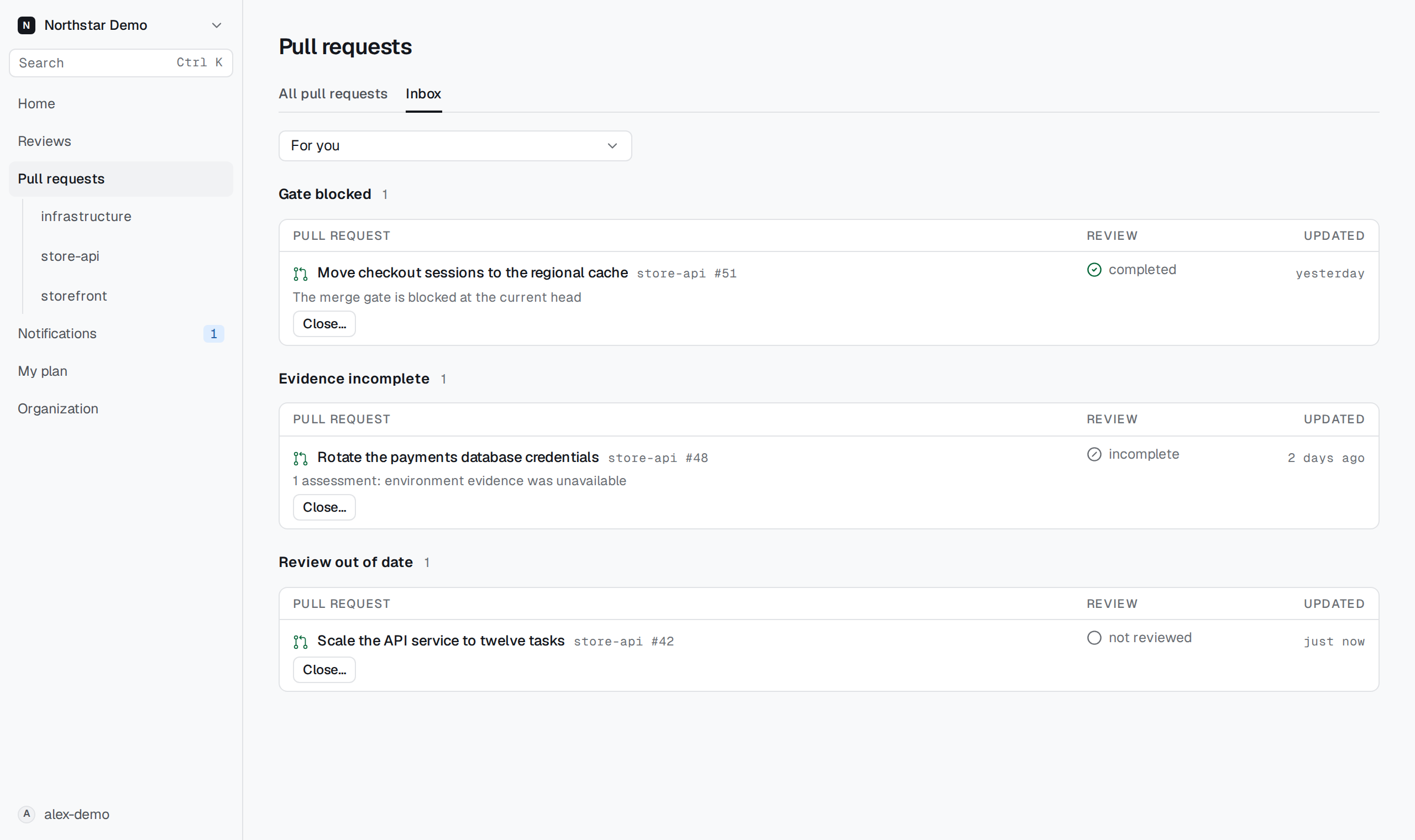
Find the work that needs attention#
- Find follow-ups on your own pull requests
- Find out when reviews waiting on GitHub can continue
- Open the reviews behind the Inbox activity totals
- Trace the Inbox’s alert and deploy activity to an environment
- Repair a rejected search in Reviews
Determine what a run used#
- Check which linked issues a review captured
- Check how many organization credits a particular review used
- Find out why a review did or did not start Deep Review
- Check whether the merge gate decision belongs to the current commit
- Compare two review runs on the same pull request
- Check the funding information before starting another review
Inspect the checks and the evidence#
- Recover a check result when its provider details no longer open
- Tell whether GitHub returned every check for the reviewed commit
- Check what a review’s sandbox actually ran
- Resolve a migration re-check that missed the reproducing revision
- Investigate a migration re-check whose control test failed
- Find why a compatibility test could not judge the changed schema
- Find which database setup step stopped a migration re-check