
Write a repository review configuration
Start from the root .proofline.yaml or .proofline.yml in the repository whose reviews you want to change. Keep one of those files. Each example below is a complete file; merge the relevant keys into your existing document.
Choose which changes receive a review#
- Review pull requests into release branches
- Select pull requests by their GitHub labels
- Choose between one directory level and its descendants
- Return one path filter to console control
- Include generated outputs in a repository’s review scope
- Repair a review filter with a missing value
Write review instructions#
- Fit repository guidance within the combined limit
- Attach a review instruction to database migrations
- Separate review rules that share a key
- Set review strictness in a version 2 file
Declare architecture boundaries#
- Assign an overlapping file to one architecture layer
- Declare a one-way dependency between layers
- Declare a layer with no dependencies on other layers
- Name an external package in an architecture rule
- Repair architecture rules after a layer rename
Repair YAML structure#
- Repair a duplicate configuration key
- Replace YAML anchors and aliases with explicit values
- Combine a multi-document configuration
- Replace tagged YAML with ordinary scalars
Validate and commit the change#
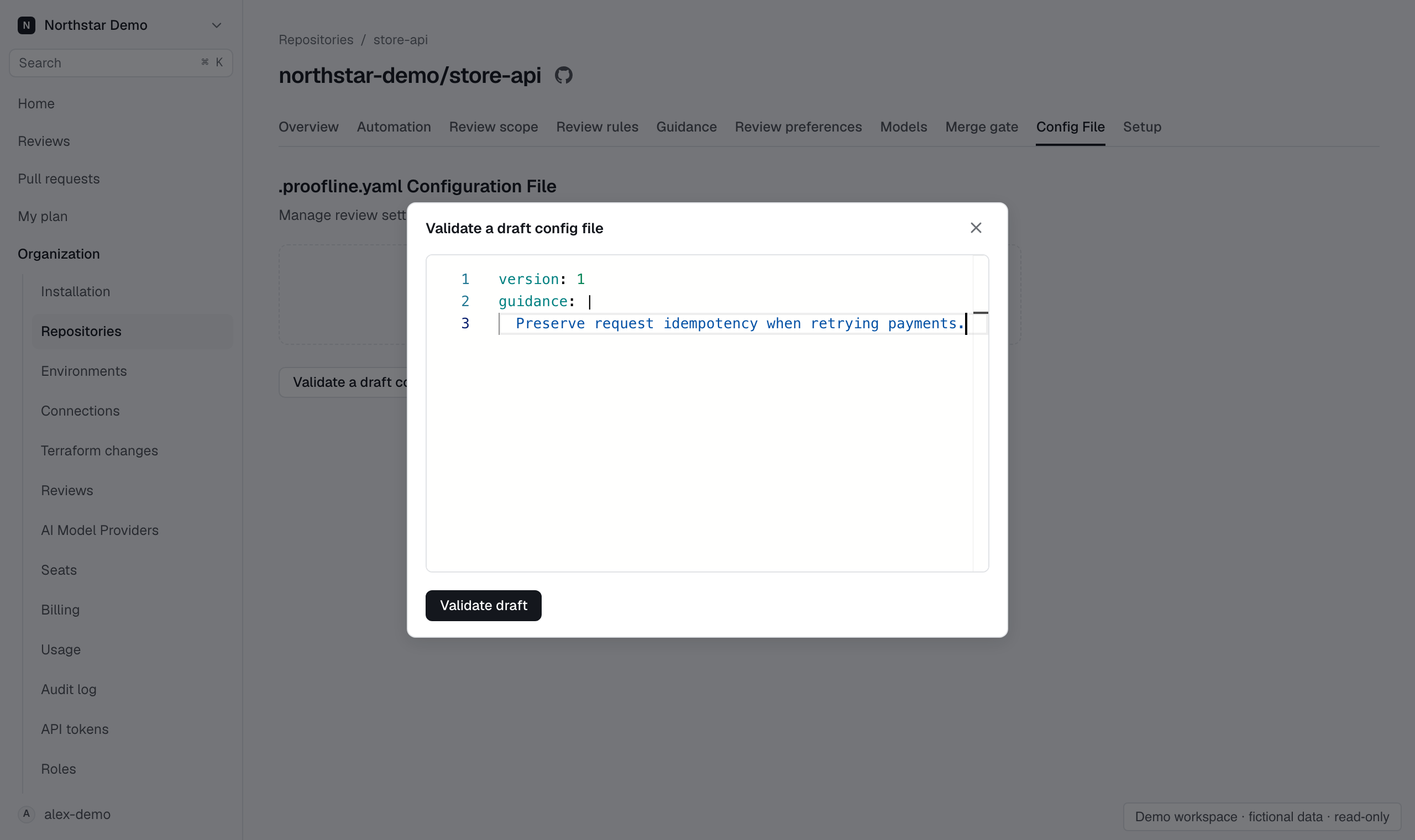
Open the repository’s Settings → Config file, choose Validate a draft config file, paste the complete file and select Validate draft. Commit the validated file through GitHub. A pull request that edits the file is reviewed using the configuration at its merge base. Later reviews can use the changes after they merge.
For dependencies between separate repositories, record their roles in a repository cluster. Architecture layer paths belong to a single repository.