
Change or remove an environment’s AWS account scope
Open the environment’s AWS account link to revise where its evidence comes from. You can also stop that environment using the account while other environments keep their links.
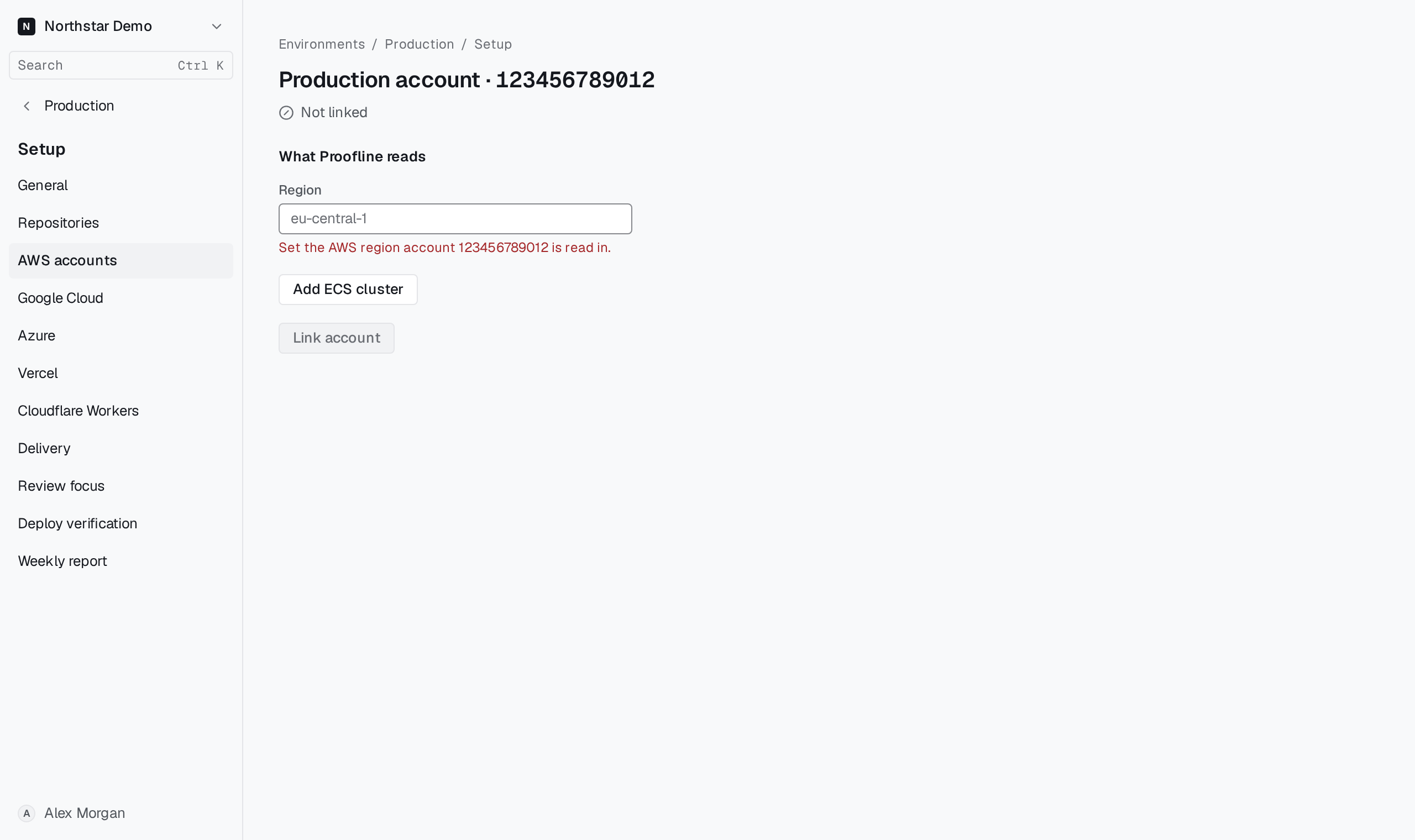
Edit the scope or unlink the account#
Open the account from Setup → AWS accounts, change the region, the clusters and services or the ECR repositories, and select Save and re-run setup. When an environment reads one account in more than one region, choose the region to edit under Evidence region.
Select Unlink from this environment to stop the environment reading the account. The AWS connection stays in place for other environments; to remove it from Proofline, see Remove a connection.