
Compare two versions of a codebase plan
Open the plan from the repository's Codebase page when you want to see what changed between drafts before approving a version.
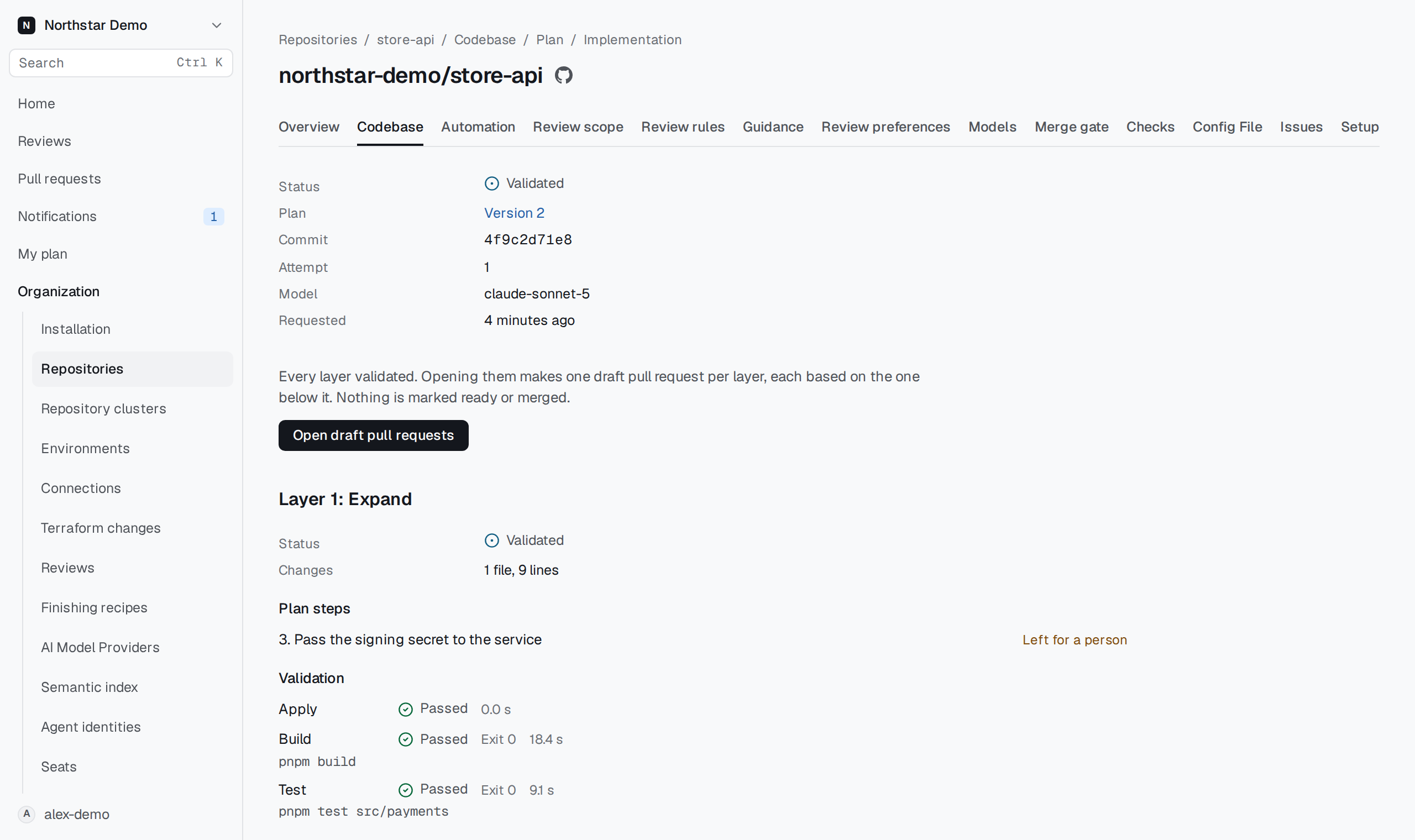
Choose the comparison#
Select the first draft under Version and the other draft under Compare with. When both contain a plan, Changes from version summarizes changes in the newer version. If both plan the same work, the summary says so.
Read the full versions below the summary. Check the source, commit and credits for each one. Choose No other version to return to a single draft.