
Connect an OIDC provider to an organization
An organization administrator can add an identity-provider sign-in to the existing GitHub sign-in. Have the issuer URL and the client credentials from your OIDC application available.
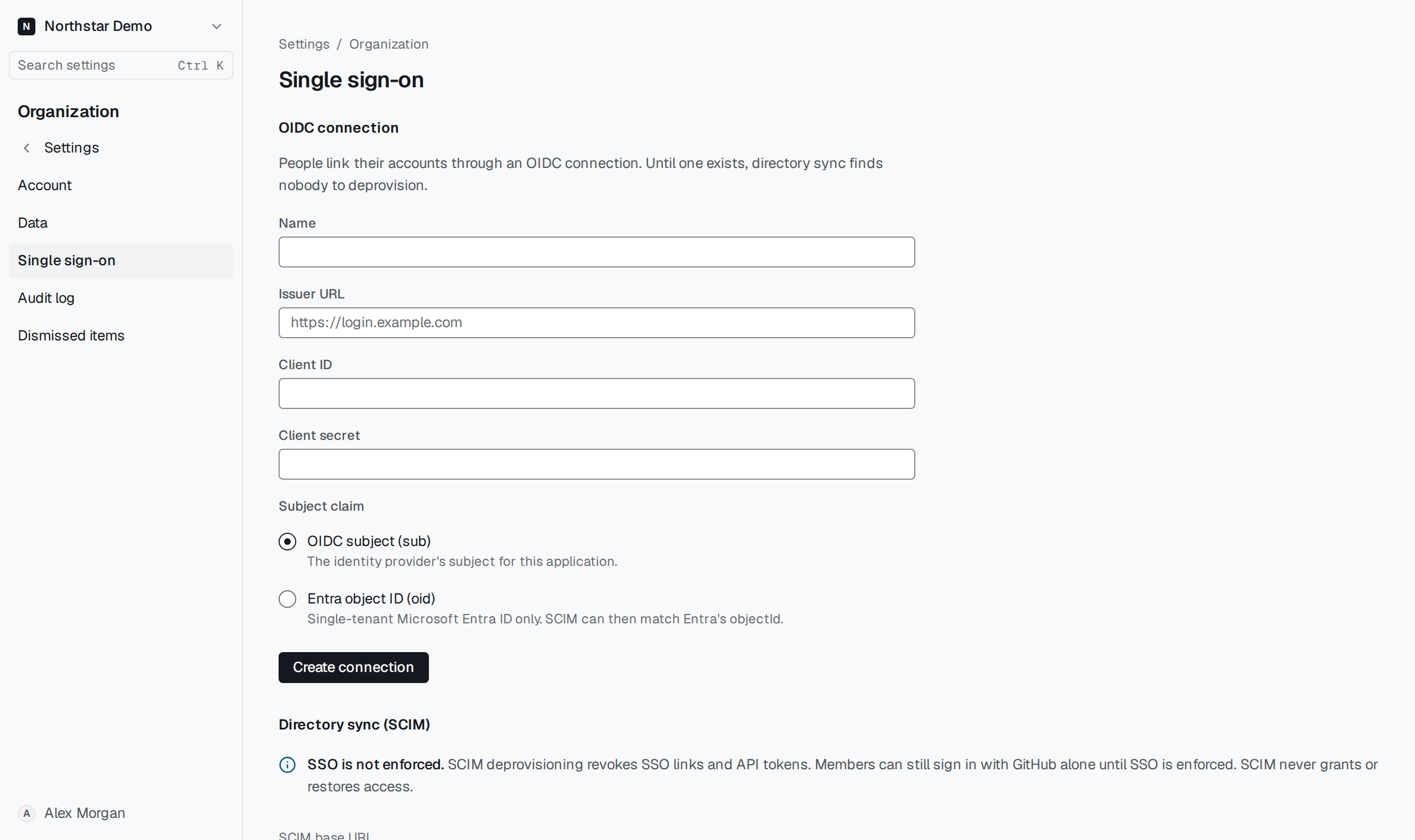
Register the connection#
Open Settings → Organization → Single sign-on. Enter the connection name, Issuer URL, Client ID and Client secret. Under Subject claim, choose the identifier your directory will also send for a person. Save the connection.
Copy the Callback URL shown on the connection into the identity provider's application. Test sign-in before asking an owner to enforce it for other members.