
Create a custom organization role
Define a role when people need a specific collection of organization capabilities. Creating the role and granting it are separate actions.
Choose the capabilities#
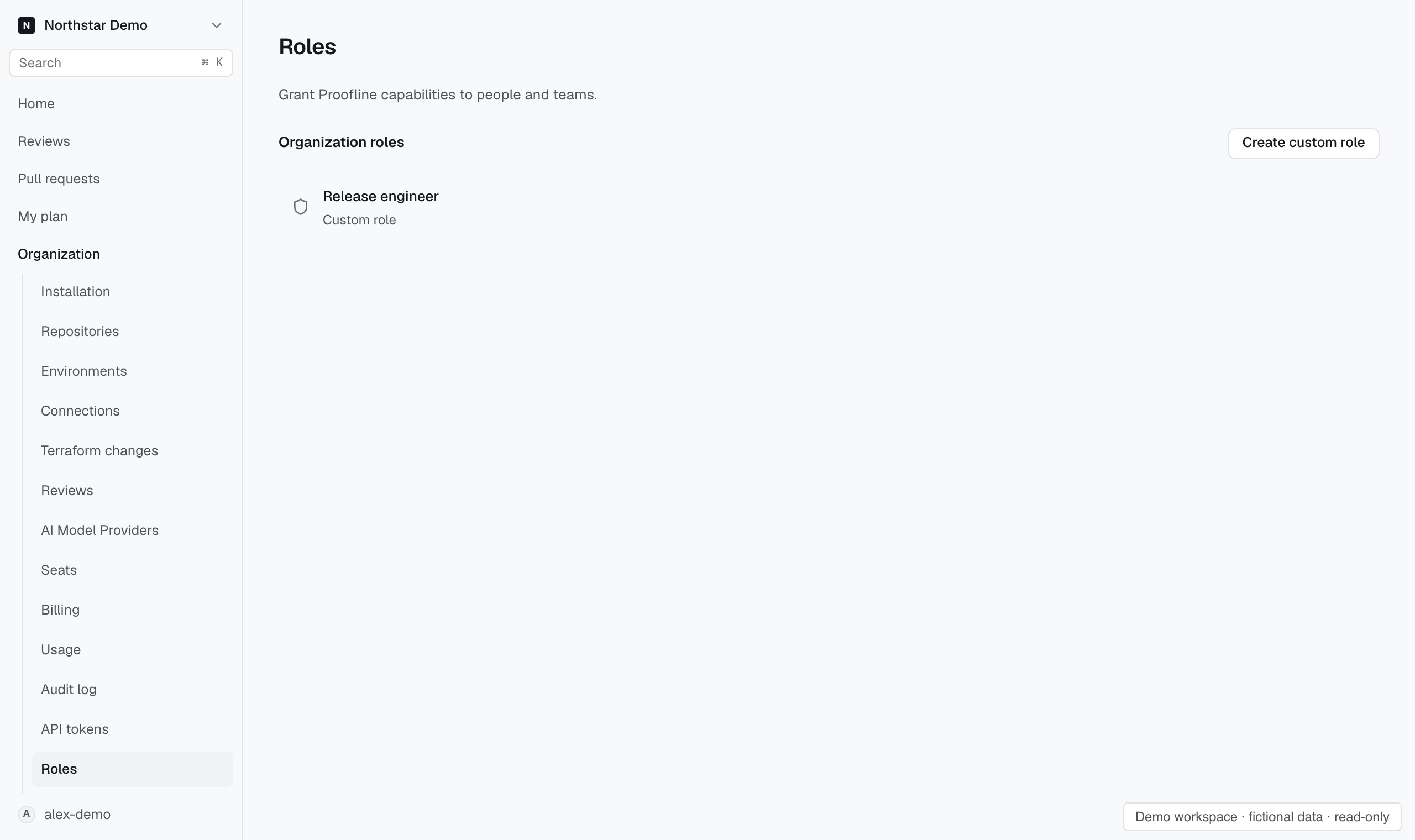
In Settings → People → Roles, select Create custom role. Enter a unique Role name and select the capabilities needed for the responsibility. Expand a capability group when the role needs only some of its entries.
Save the role and open its grants to assign it. If the name is refused, check active custom roles and built-in names for a match, including differences in capitalization.