
Create a finishing recipe for a recurring engineering task
In Settings → Review policy → Finishing recipes, define which files a reusable recipe may change and which checks its proposal must pass.
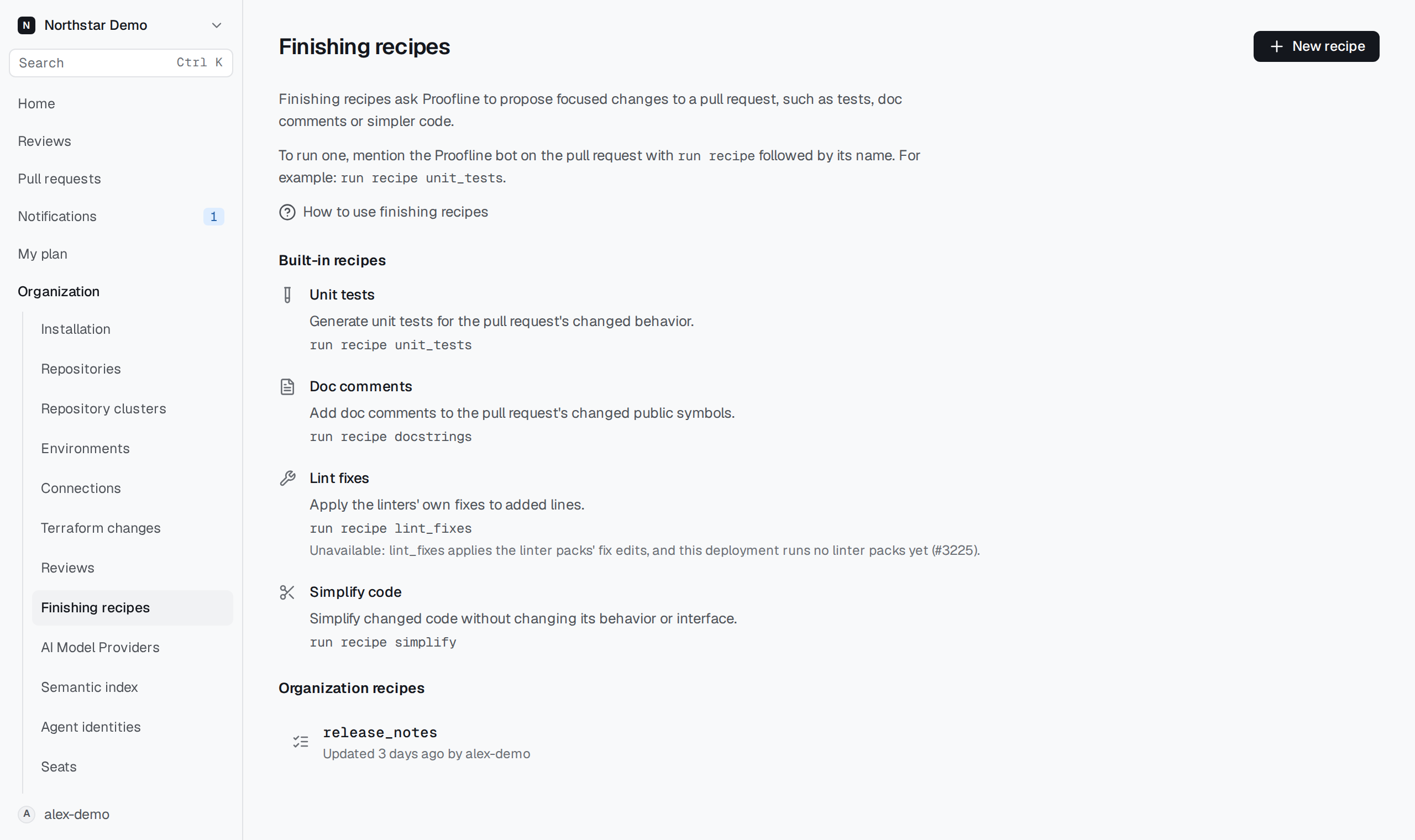
Create an organization recipe#
An organization administrator can create a recipe for a repeated task.
- Open Settings → Review policy → Finishing recipes and select New recipe.
- Enter a Name to use in pull request comments. The name cannot change after creation.
- Enter Instructions that describe the change you want.
- Enter Allowed files, with one file pattern per line. Proofline refuses changes outside those patterns.
- To restrict changed paths, open Limit to specific changed paths and enter one file pattern per line. Recipes use all changed paths by default.
- To restrict languages, open Limit to specific languages and select the languages. Recipes use all languages by default.
- Select any Required checks: Build, Tests, or Analyzers. When your deployment does not run static analysis, the page says so beside Analyzers: a recipe that requires them is saved, but it cannot run, and the recipes list marks it unavailable.
- Select Create recipe to open the saved recipe.
For example, an organization recipe can update release notes while limiting changes to docs/release-notes/*.md. Its instructions cannot add tools, credentials, network access, or access to other repositories.
Run it by mentioning Proofline on a pull request with run recipe followed by your recipe's name.