
Decide whether to confirm, dismiss or accept a finding
Open a finding in the pull request review and choose the assessment that describes your decision. Later reviews use it when deciding which findings still need attention.
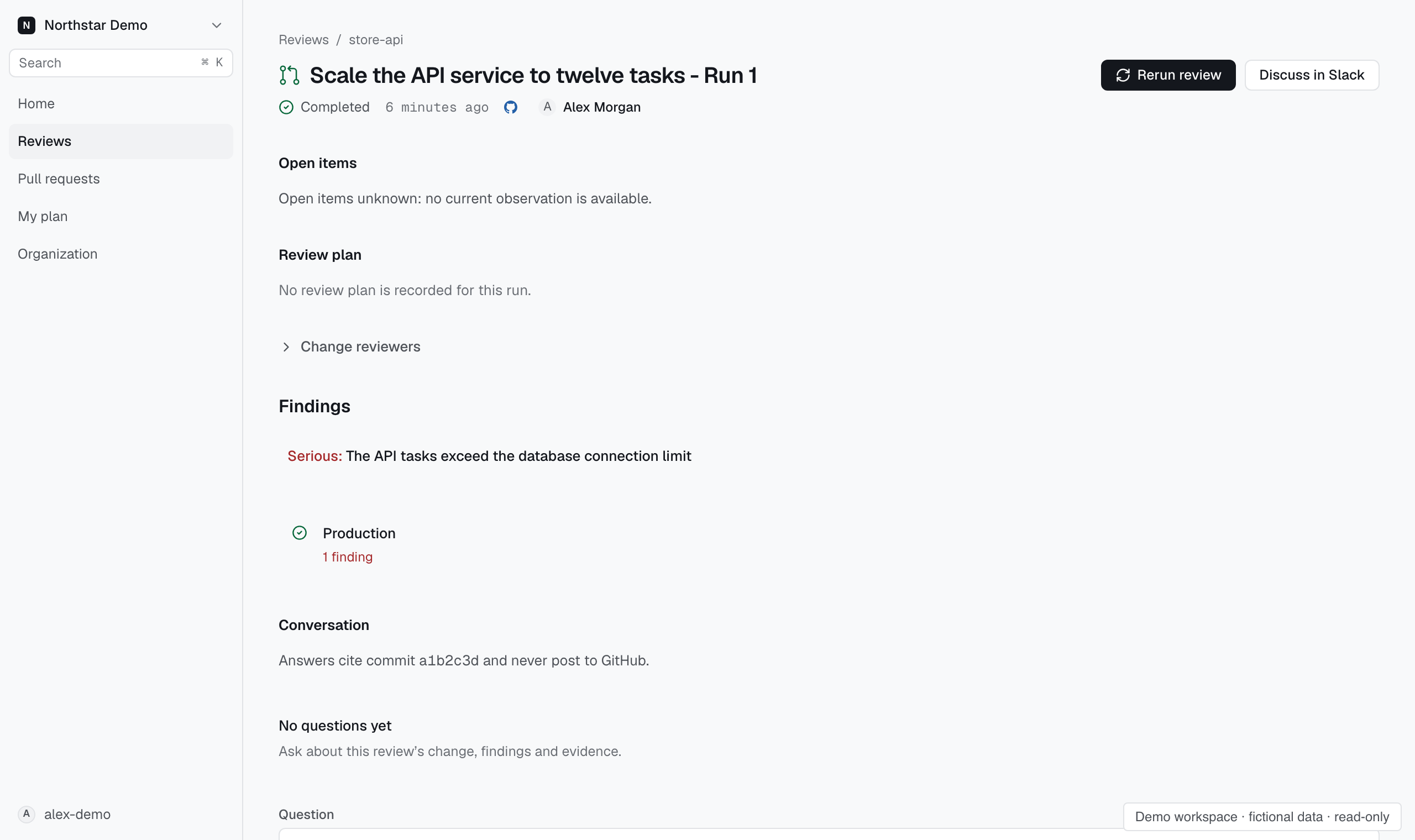
Respond to a finding#
Confirm records that the finding is valid and keeps it open in later reviews of this pull request and eligible to block a future merge-gate decision, without changing the GitHub thread or an already decided gate.
Dismiss records that you reject the finding, removes it from open findings for future merge-gate decisions and quiets repeat comments on unchanged code in this pull request, without changing its GitHub thread or an already decided gate.
Mark fixed records your assessment that the finding is fixed and removes it from open findings for future merge-gate decisions until a later review finds it again, without verifying the fix, changing its GitHub thread or revising an already decided gate.
Accept risk records that you accept the finding without fixing it, removes it from open findings for future merge-gate decisions and quiets repeat comments on unchanged code in this pull request, without changing its GitHub thread or an already decided gate.