
Follow an audit entry to its review or finding
An audited action can identify a review run or finding affected by the change. Open the underlying record when you need the evidence behind a review conclusion.
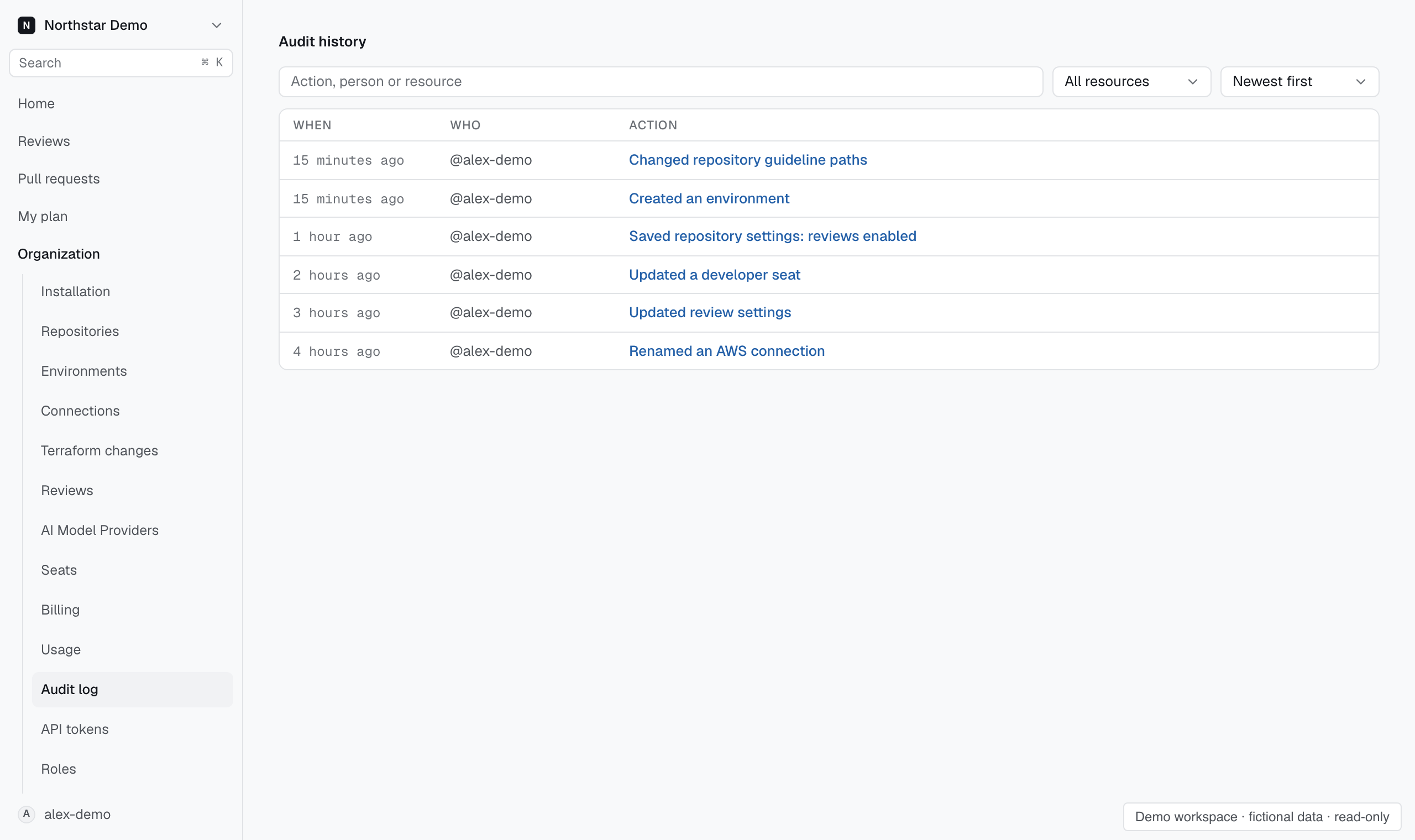
Follow the recorded resource#
In Settings → Organization → Audit log, search by actor, action or resource. Open the matching entry and check the recorded details. Follow the finding link for a finding change or the run link for a review change.
Read the finding or review's evidence in its own record. The audit event establishes that the action occurred, while the linked record explains the review outcome.