
Find out why an issue enrichment comment was skipped
Open Settings → Issues in the repository and read Enrichment history for the issue. Its recorded outcome distinguishes a posted comment from an outdated issue or a disabled check.
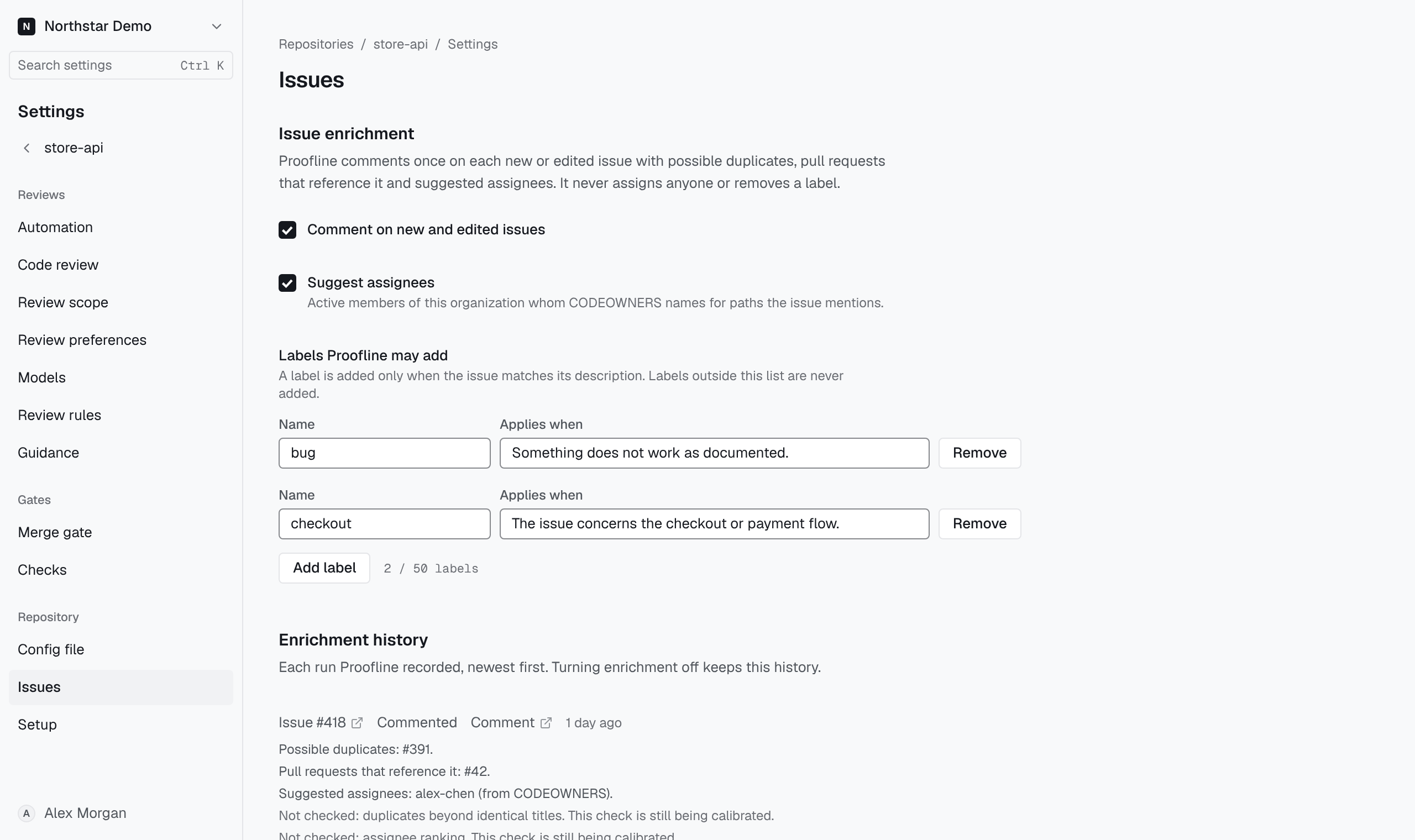
Read the history#
Enrichment history lists each run, newest first, with a link to the issue and, once posted, the comment. A run shows Commented, Not commented: nothing to list, Not commented: enrichment was off or Not commented: the issue changed again, followed by what the comment listed.
A Not checked line names a check that did not run for that issue and its cause. Without it, the comment falls back to identical titles for duplicates and CODEOWNERS for assignees, and no label is added. Turning comments off keeps the history.