
Issue a repository-limited service account key
Create separate keys when jobs that use the same service account need different repository access or expiry dates. A key is bounded by the account's role, grants and organization policy.
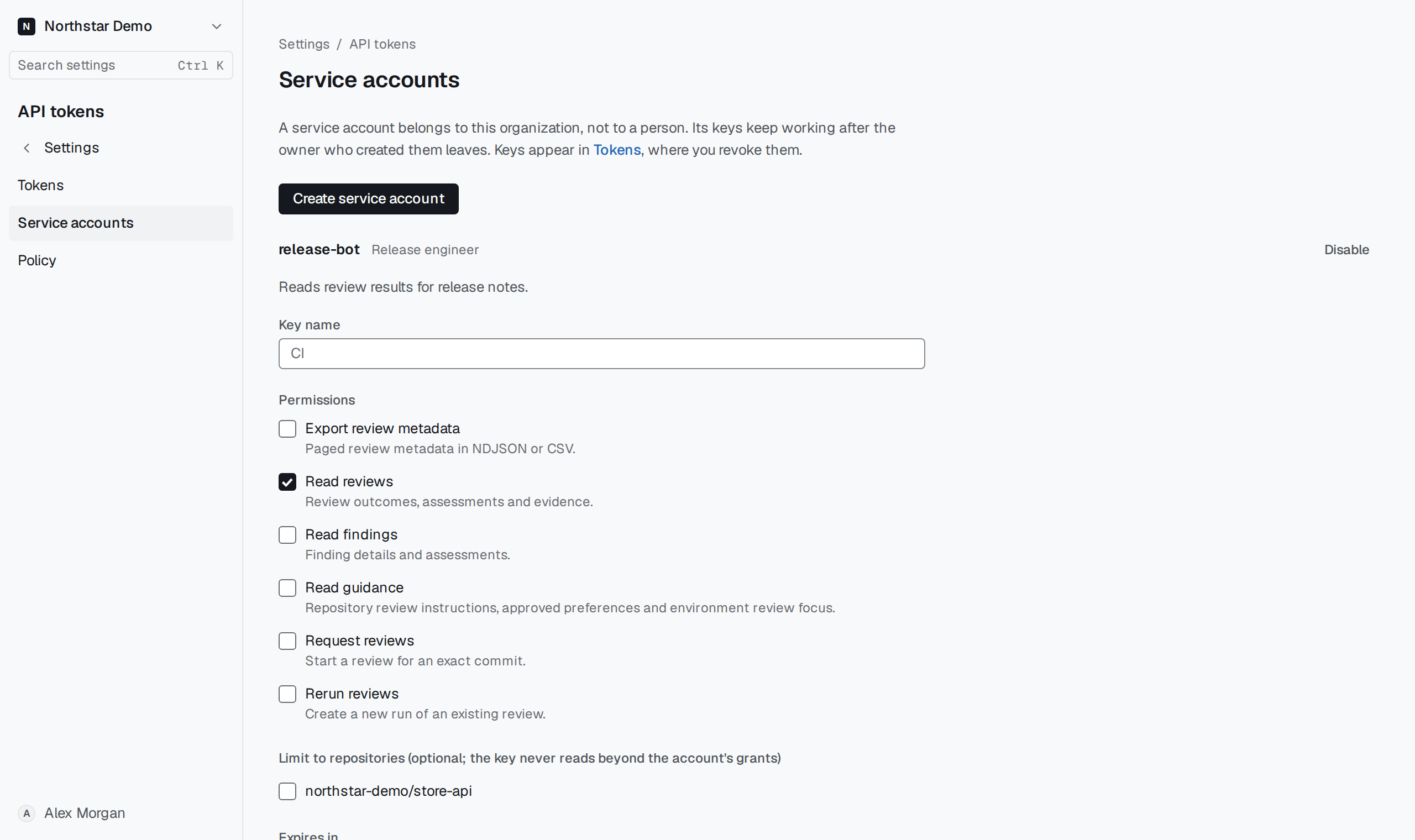
Narrow the key#
Open Settings → API tokens → Service accounts, choose the account and select Issue key. Enter the key name, select its permissions and expiry, then limit it to the required repositories from the account's grants.
Select Issue key, copy the secret into the job's credential store, and select I saved the key. A missing repository must first be granted to the service account.