
Limit spending for one repository
A repository limit counts that repository's pull request and local patch reviews. Use it when a busy repository needs a different monthly budget from other repositories.
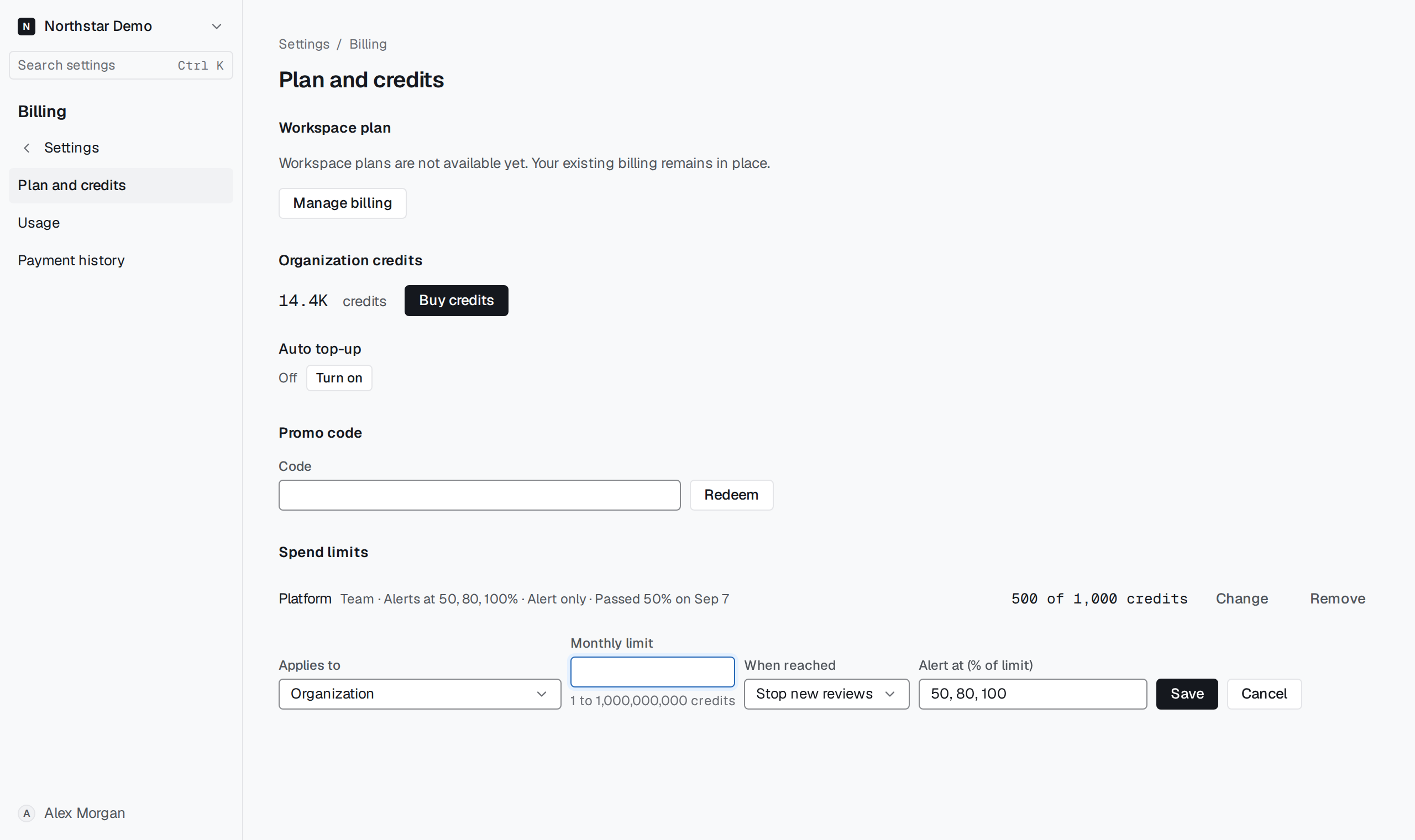
Choose the repository#
In Settings → Billing → Plan and credits, select Set limit under Spend limits. Choose repository scope under Applies to, select the repository and enter the credit limit. Set When reached and save.
Open Settings → Billing → Usage to compare the repository's consumption with the limit. Limit reached identifies a repository that has exhausted its allowance.