
Locate archived repositories in the organization directory
The repository directory hides archived repositories by default. Include them when investigating a historical review or reconciling a GitHub migration.
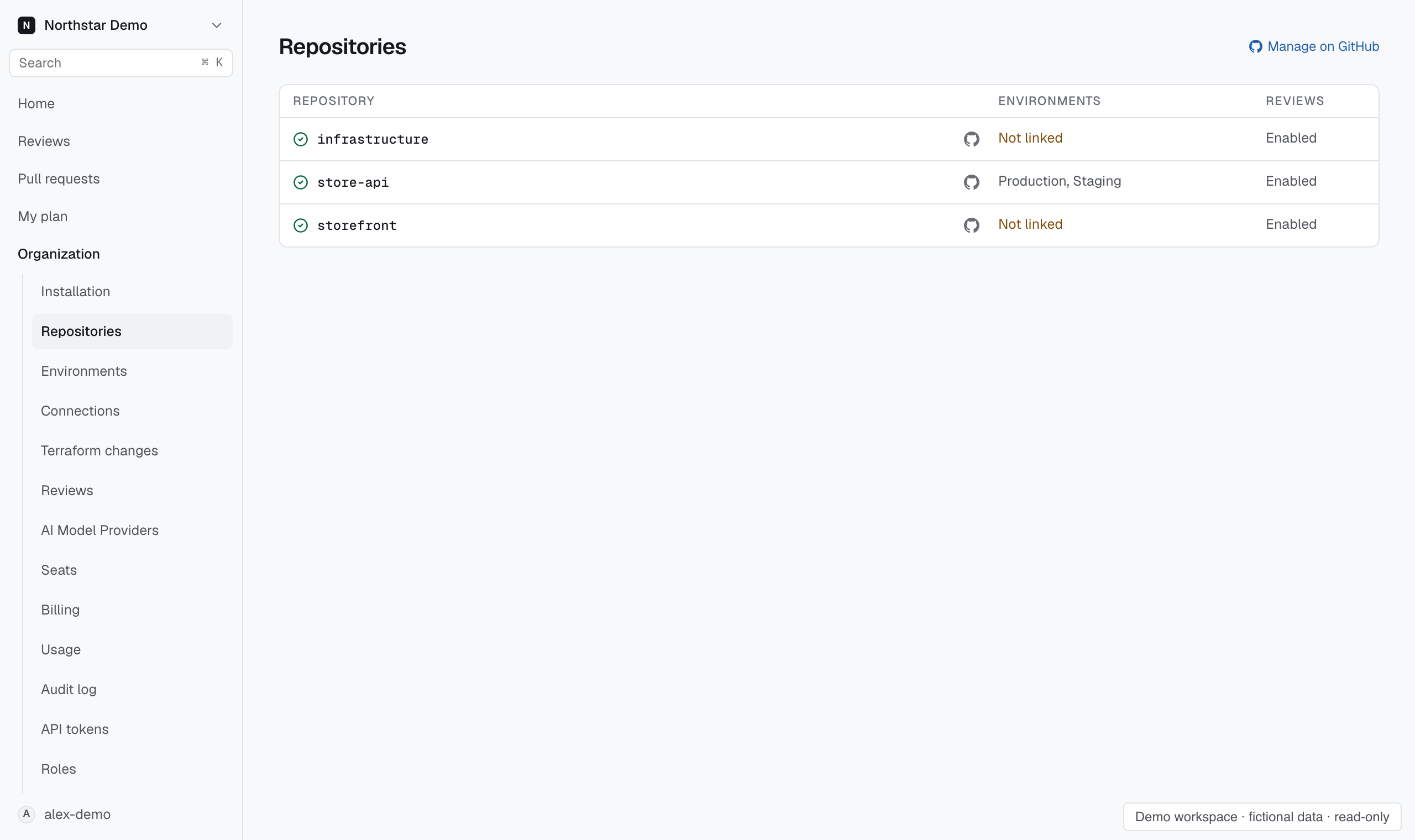
Find the archived row#
Open Repositories and select Show archived, or enter access:archived in the search. Narrow the search by repository name or environment, then open the matching repository.
GitHub accepts no new pull requests on archived repositories, so they show as Not reviewed. A repository whose installation access is missing instead appears under access:lost.