
Match Microsoft Entra directory users to OIDC identities
For directory deactivation to find a person, the SCIM external identifier must equal the subject claim on their OIDC link. A matching email or login is insufficient.
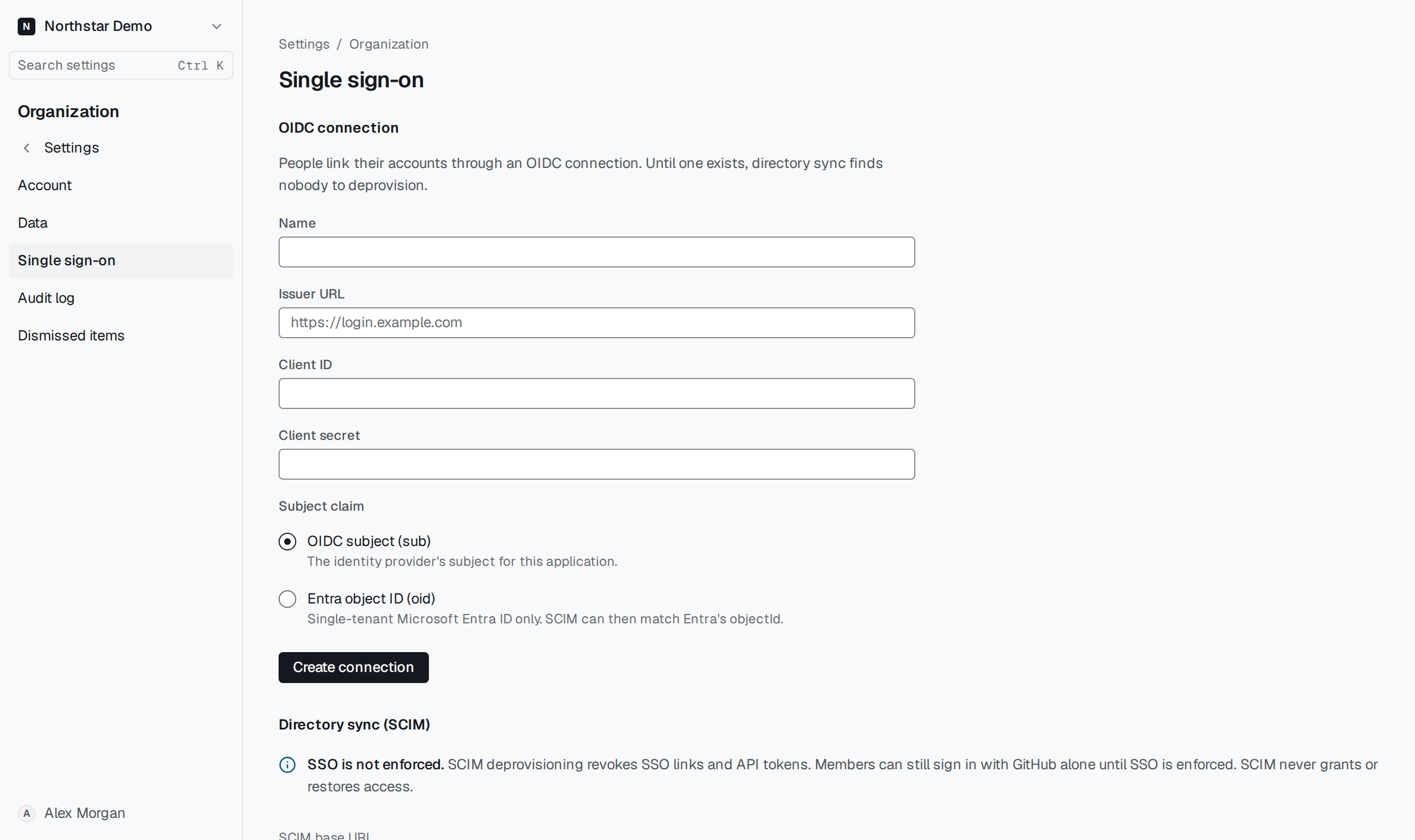
Compare the identifiers#
Open Settings → Organization → Single sign-on and check Subject claim. Microsoft Entra ID cannot send Proofline's OIDC subject as its SCIM external identifier. For an Entra object-ID connection, map the Entra object ID to SCIM externalId.
Under Matching people, look up the identifier Entra sends. Check the returned directory record against the OIDC link for that same subject in this organization.