
Choose a capture preset before recording
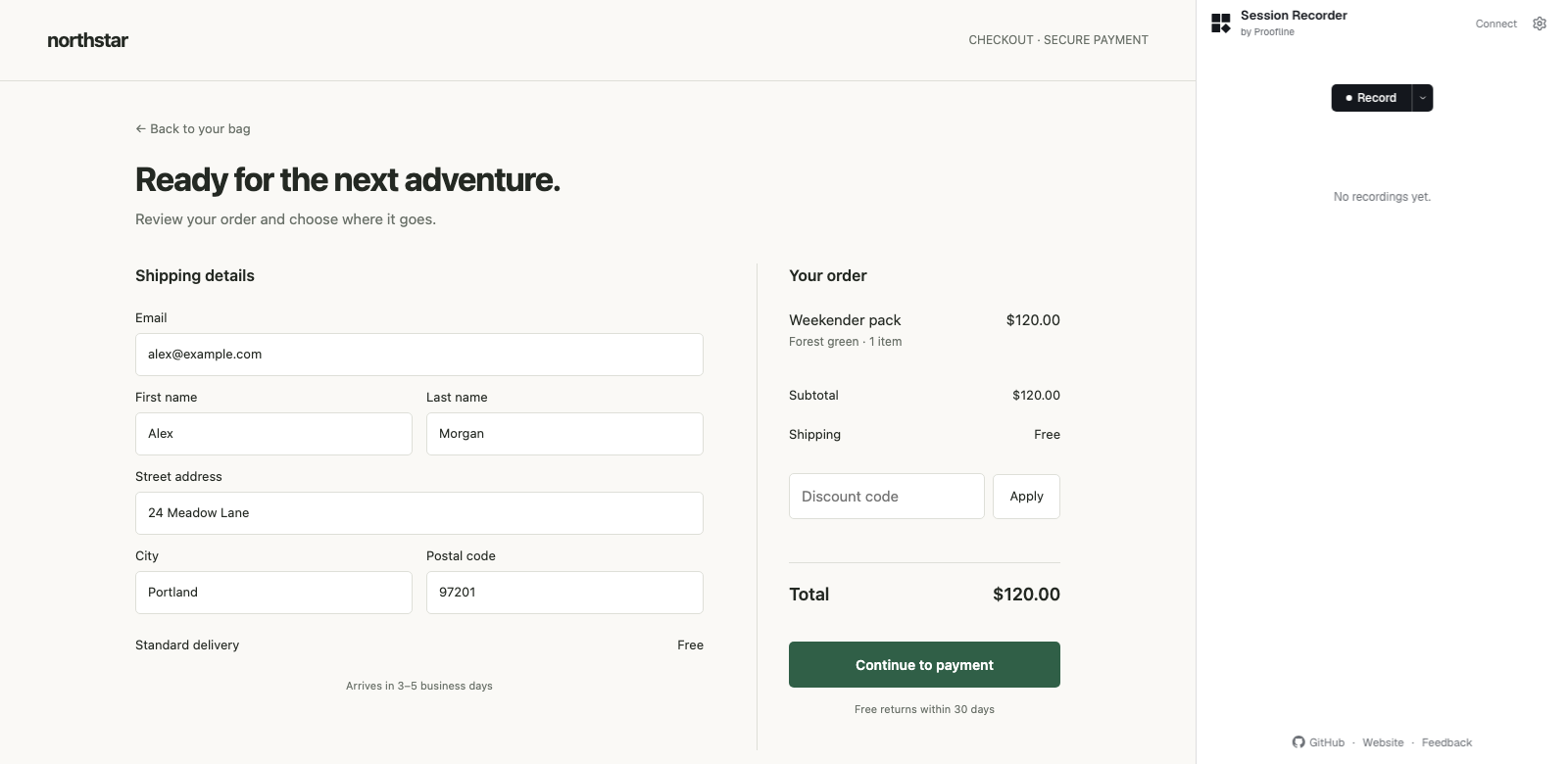
The detail control beside Record determines how much evidence Session Recorder keeps while you reproduce a problem. Choose it before the first interaction you need to capture.
Match the preset to the problem#
Choose Minimal for on-demand screenshots or Standard to capture key moments. Choose Detailed for frames at each interaction and hover tracking. Maximum captures shorter hovers and keeps more of each request body inline.
Capture a short reproduction first and inspect the timeline. Changing the export level later can reveal more of the stored recording, but it cannot recover an interaction or frame the recorder never captured.