
Send a recorded issue to a different GitHub repository
Each configured destination has its own repository token. A new report remembers the last choice, while an existing draft keeps the destination saved with it.
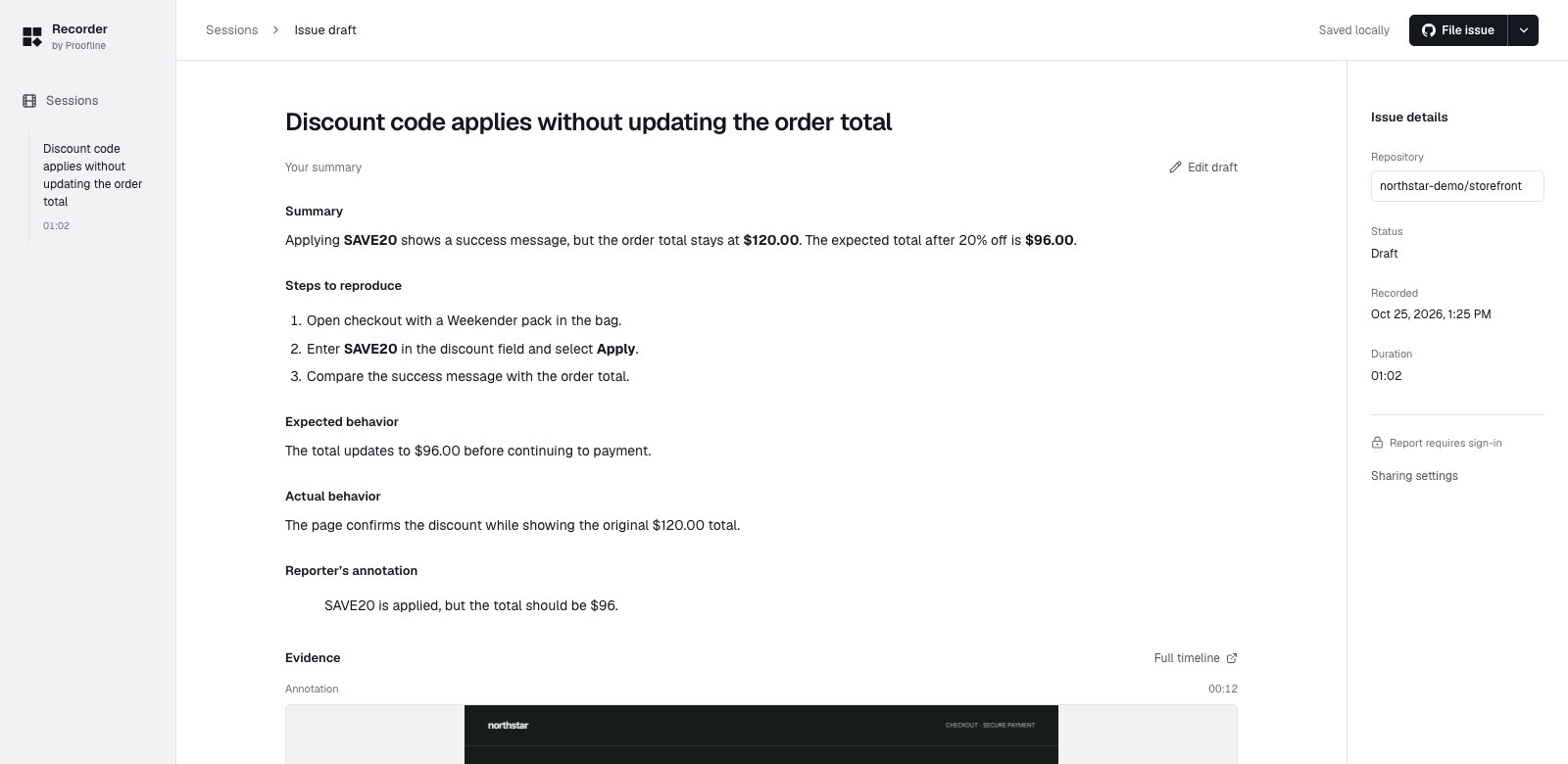
Check the destination before filing#
In Settings → GitHub, use Add repository if the intended repository is missing. Save the exact owner and repository with a token authorized to write issues there.
Return to the report and use the arrow beside File issue to choose the repository. Read the draft for that audience before selecting File GitHub issue.