
Add timestamped narration to a recording
Use narration to explain what you expected while the recorded page still shows what happened. The report can keep raw microphone audio even without a transcription account.
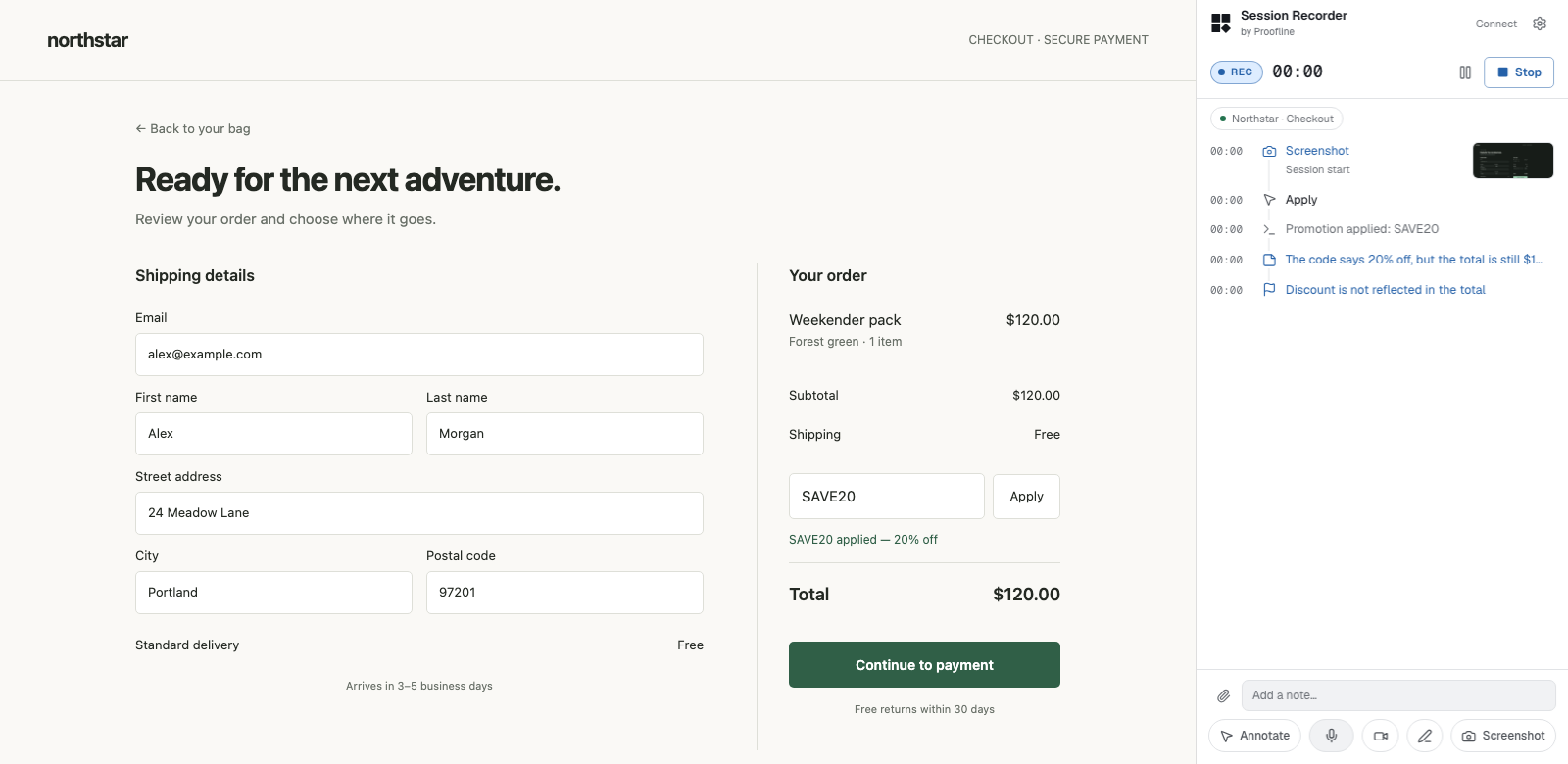
Record speech alongside the action#
Turn on the microphone in the side panel during a recording. Allow Chrome to use the microphone and describe the expected result as you reproduce the issue.
To include text, configure a provider in Settings → Transcription. Deepgram and ElevenLabs stream text. OpenAI transcribes segments. Each utterance is placed at the time you began speaking.