
Replace an earlier AI issue draft
Filing a GitHub issue keeps a draft you have already generated or edited. Use regeneration when you intentionally want a new summary from the recorded evidence.
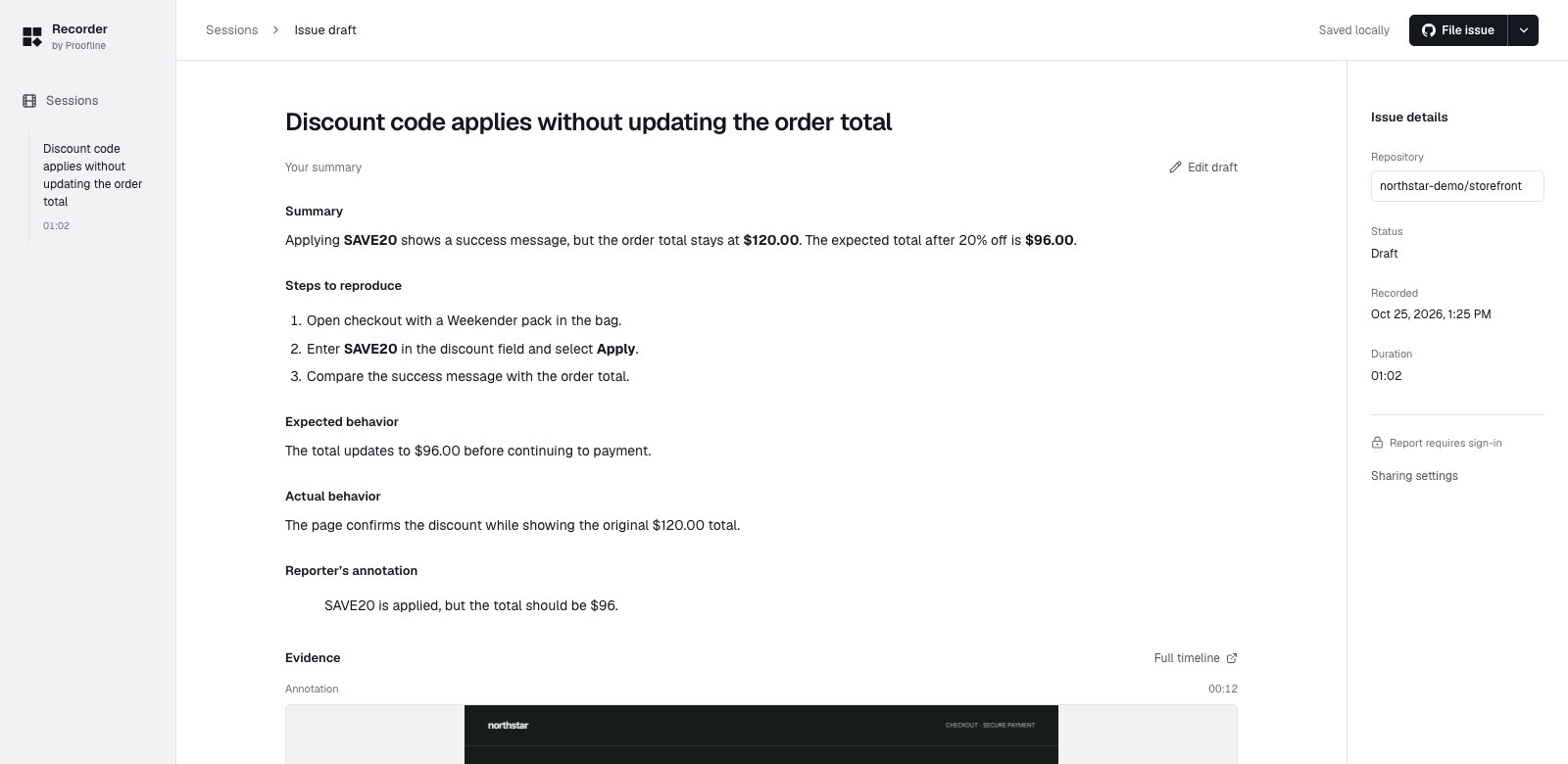
Choose whether to keep the draft#
Open the draft and keep a copy of any wording you want to reuse. Select Regenerate summary to replace the draft, then check the proposed title and description against the recording.
If the provider refuses the request, verify the endpoint, key, model and quota in Settings → AI summaries. You can edit the draft yourself and file it without generating another summary.