
Remove a repository from a service account
Remove a repository grant when every job using the account should lose access to that repository but should keep access to its other grants.
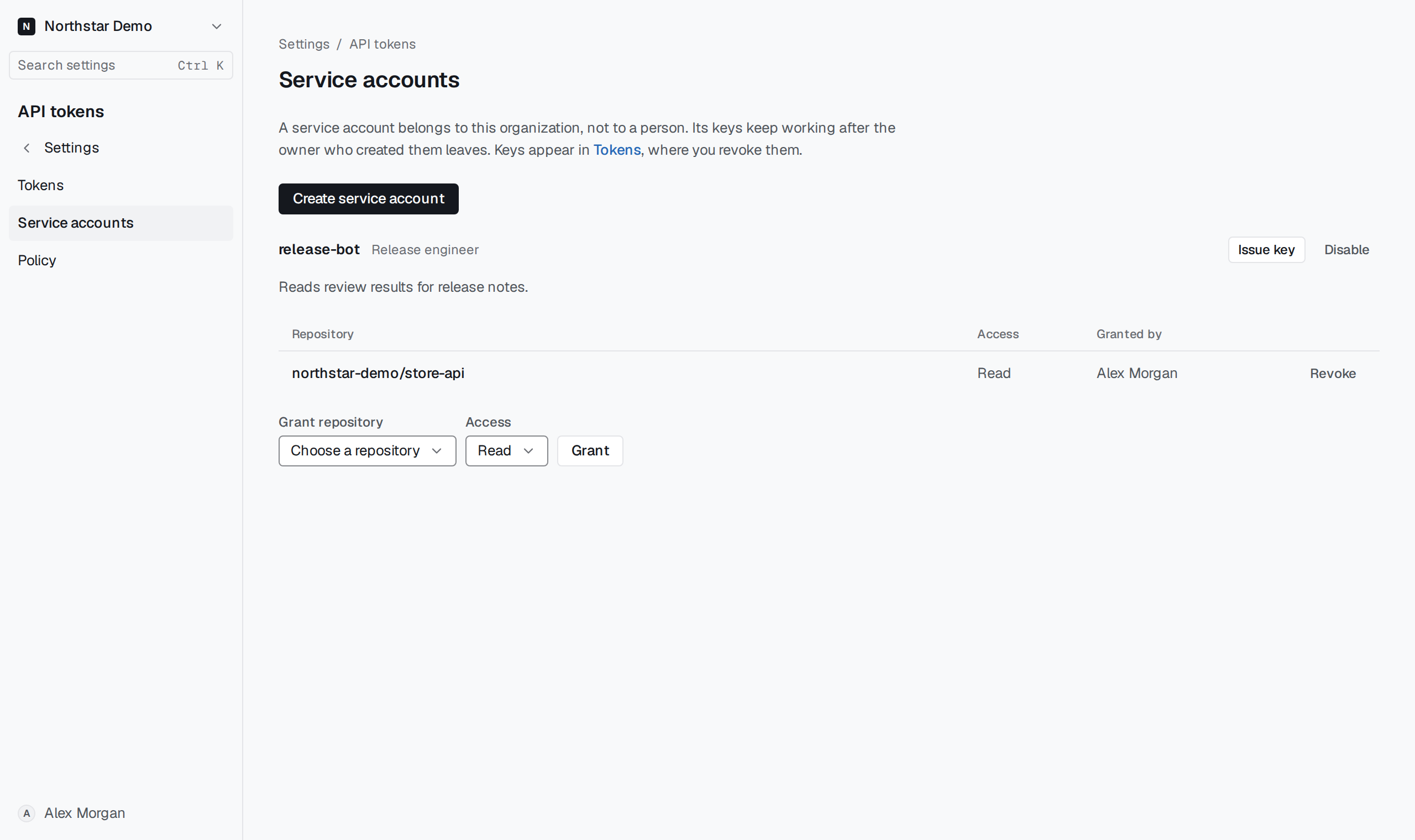
Remove the specific grant#
In Settings → API tokens → Service accounts, find the service account and inspect its granted repositories and access levels. Select Revoke beside the repository you intend to remove.
Keys cannot read beyond the service account's current grants. To stop a single job while leaving other jobs' access in place, revoke that job's key under Tokens instead.