
Repair invalid configuration on a repository's default branch
Open Settings → Config file in the repository when the console says its .proofline.yaml is invalid. Establish which branch and commit the message describes before preparing a correction.
Distinguish invalid YAML from a missing file#
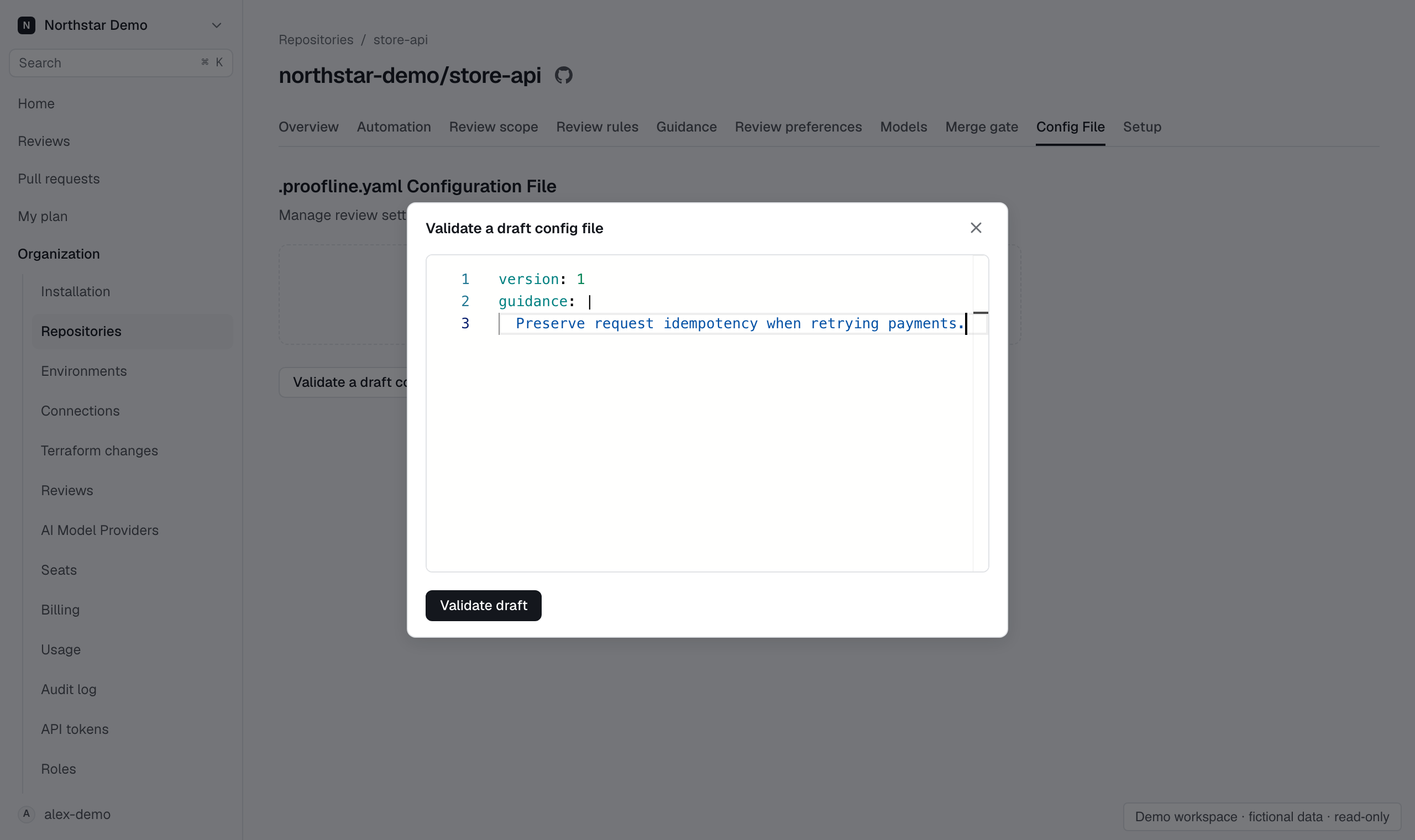
The configuration file is invalid shows the validation errors and indicates that console settings apply. Use Validate a draft config file to test the correction, then commit the valid file through your normal GitHub workflow.
If the page says No configuration file, put .proofline.yaml at the repository root. Default-branch configuration could not be read means Proofline failed to read the configuration; check the error it gives before creating a replacement file. Reviews evaluate the configuration at their own merge base, so compare that commit when investigating an earlier review.