
Remove or replace a document pinned to repository paths
Open Settings → Guidance in the repository to stop using an external page for matching changes or replace its path pattern. You need write access to the repository.
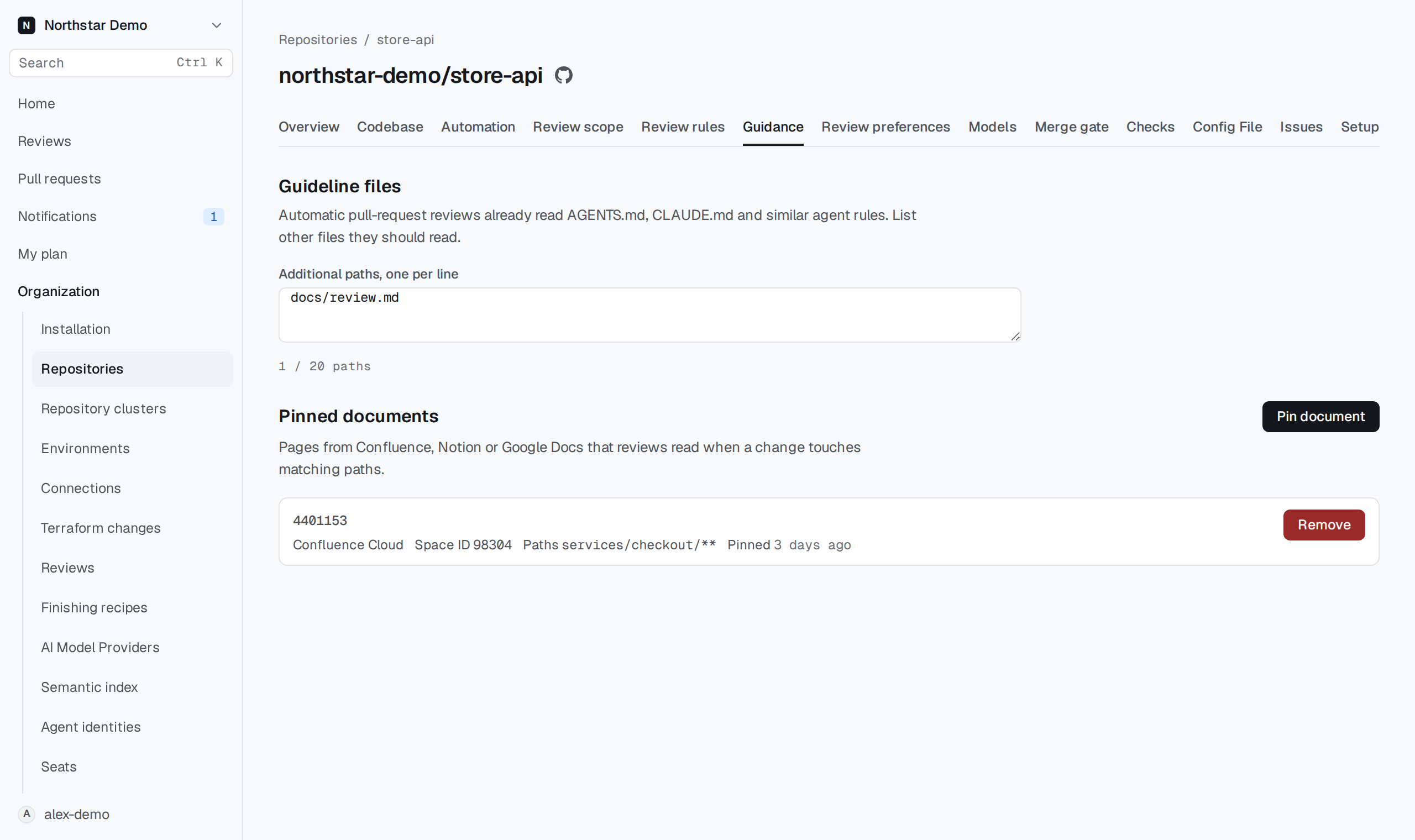
Remove a pin#
Use Remove beside the pinned document, then confirm Remove in the Remove pinned document? dialog. The removal stops future use of that pin and preserves its recorded history.
To change the page or path pattern, remove the old pin and create another with the intended values.