
Respond to an expiring token notice
A token expiry notice identifies the credential kind, prefix and UTC expiry. Use these details to find the correct credential without exposing its secret.
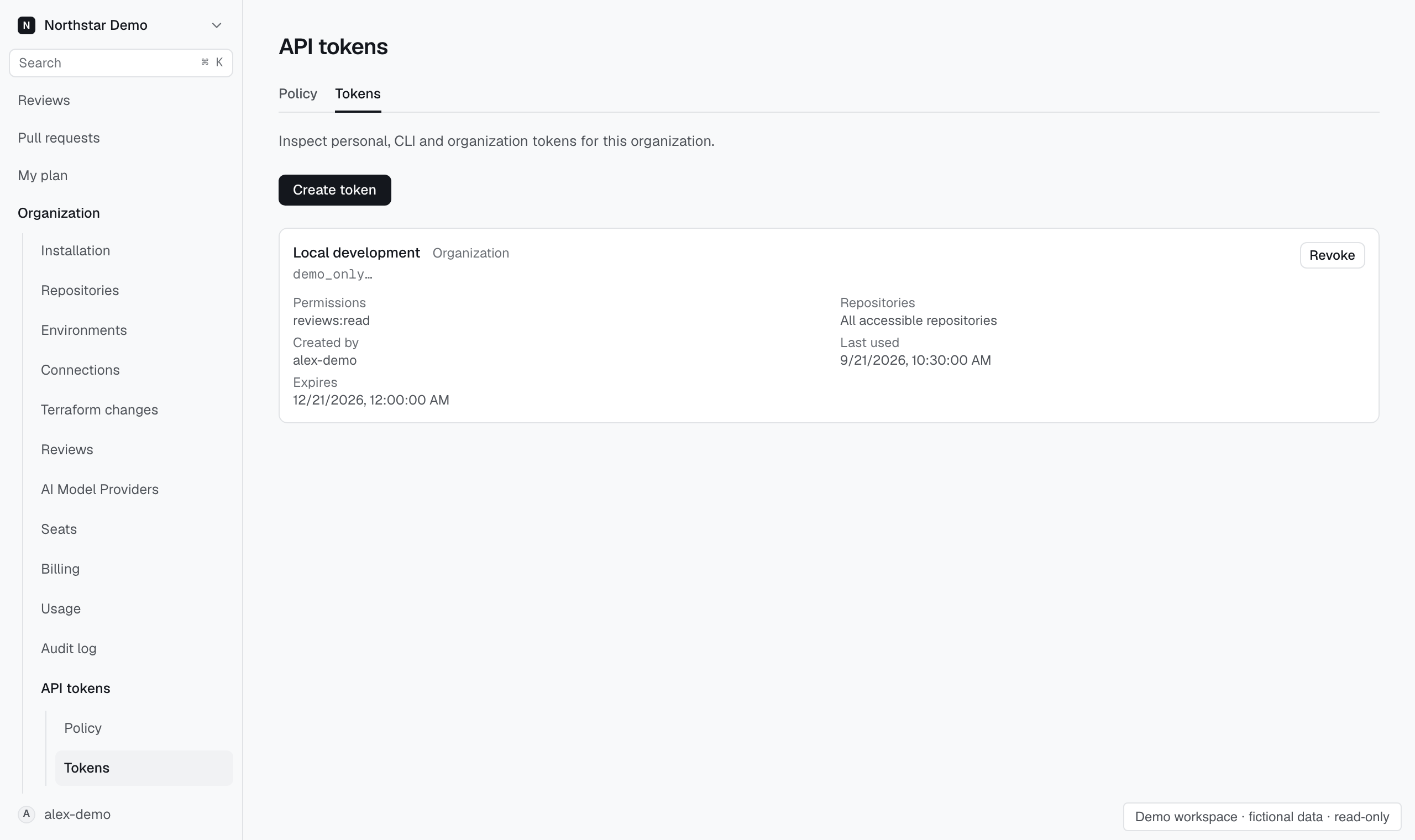
Replace the affected credential#
Open Settings → API tokens → Tokens in the organization named by the notice. Match the prefix and expiry to the inventory entry. Create a replacement, update the integration to use it, then revoke the old credential.
The recorded notice remains visible even when the organization has no Slack delivery channel. MCP sign-ins, revoked tokens and keys of disabled service accounts receive no expiry notice.