
Restore access to a repository marked lost
A repository can remain in Proofline after the GitHub App loses access. Historical reviews stay available, but Proofline cannot start a review of a repository it cannot read.
Check the GitHub installation#
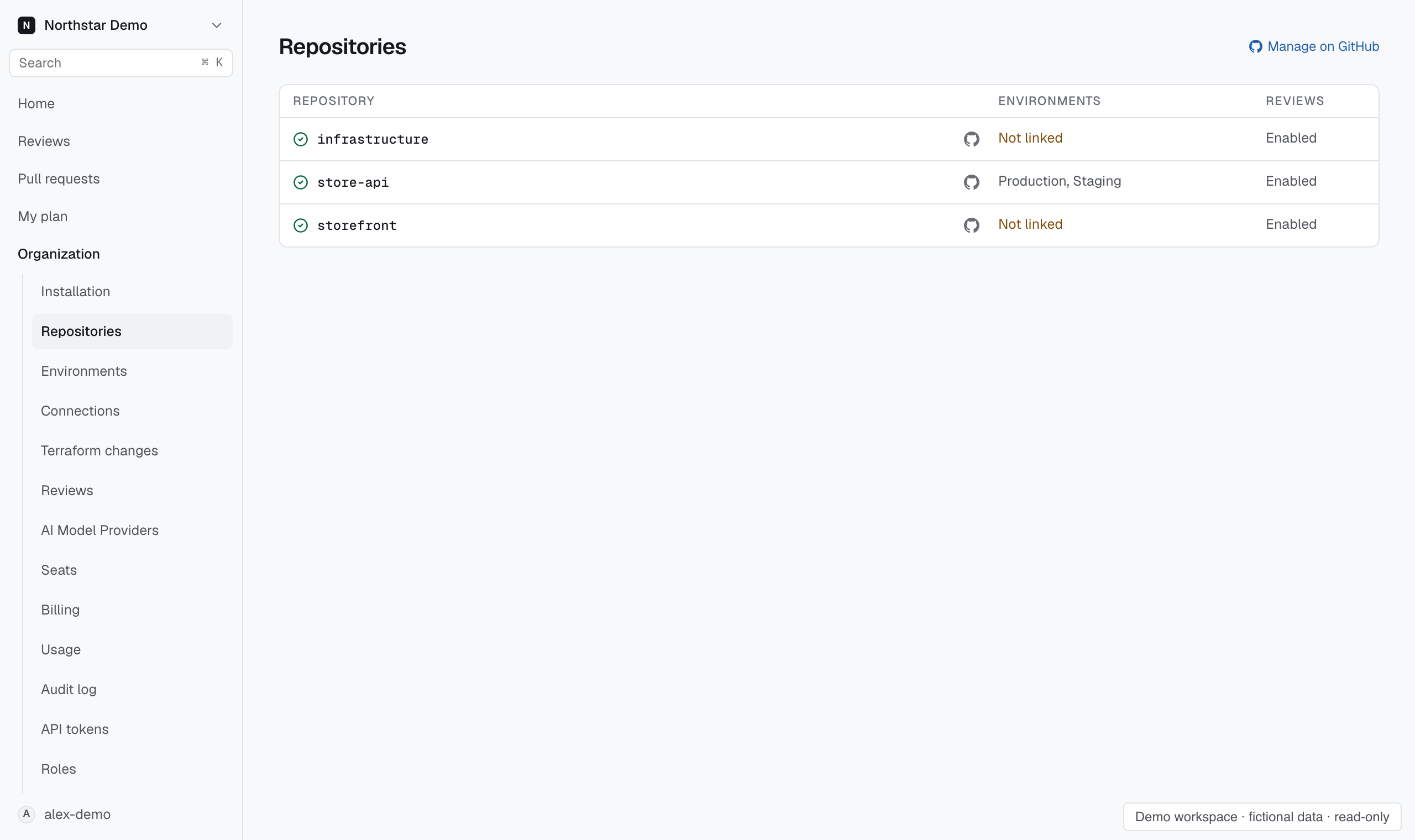
Open Repositories and search for access:lost. For a repository that should still be reviewed, select Manage on GitHub and check that the correct installation can access the repository. Have its owner restore access if necessary.
Return to Proofline and confirm the repository is connected. Check the saved review setting separately. Restoring GitHub access by itself does not turn reviews on.