
Choose which share of pull requests gets automatic reviews
Set a sampling percentage for the organization or override it on one repository to control how many eligible pull requests Proofline reviews.
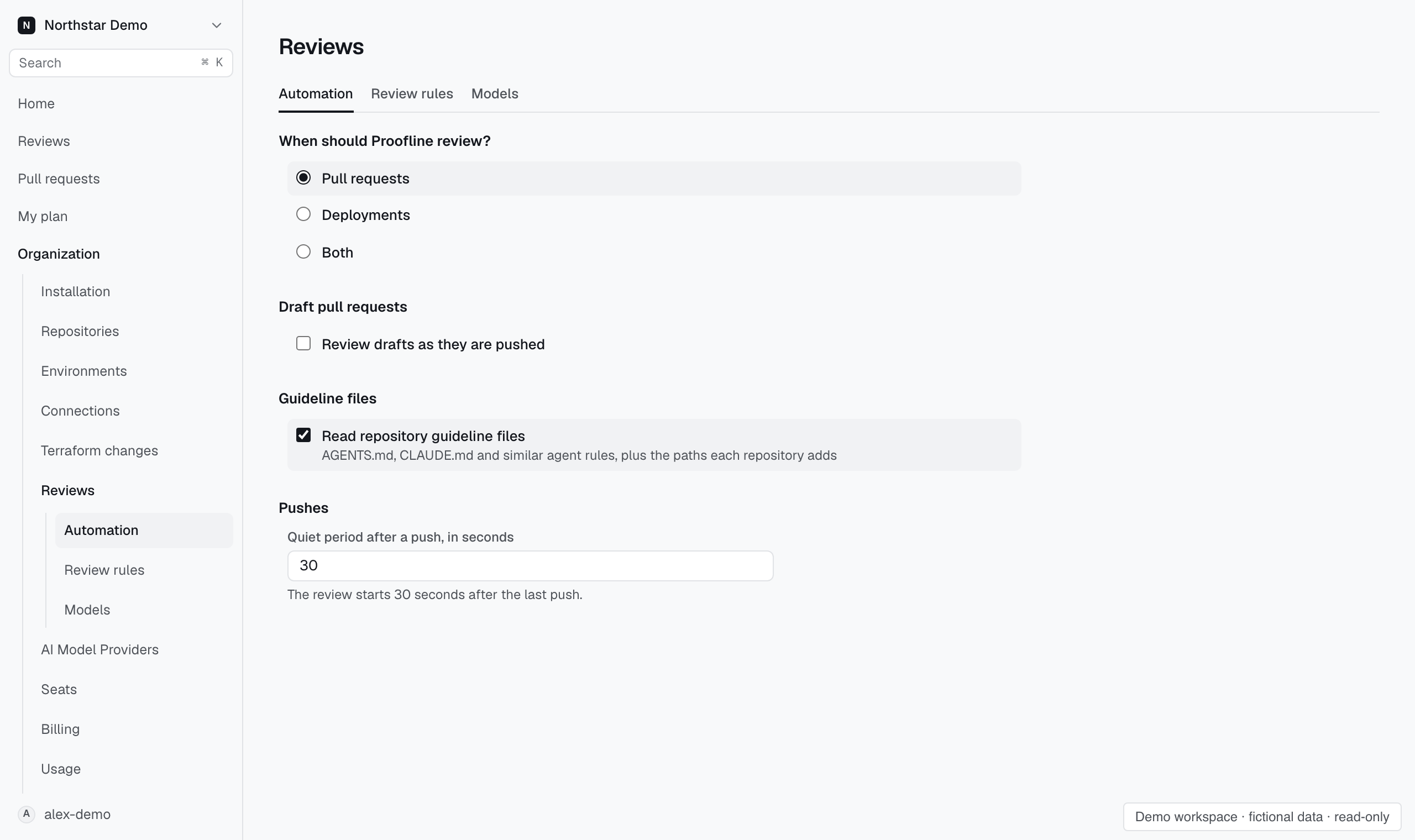
Review a share of pull requests#
- Open Settings → Review policy → Automation.
- Under Sampling, enter the Percentage of pull requests reviewed automatically.
- Select Save percentage.
At 100, every pull request is reviewed. Below 100, Proofline chooses each pull request by its identity, so its pushes and reruns are all in or all out. A pull request left out gets a Proofline review skipped: not sampled Check with no findings, and a merge gate does not pass it. Comment @prooflinedev review on the pull request to review it anyway.
A repository can set its own percentage under Pull requests on its Review scope page. Saving that page gives the repository its own scope, which replaces the organization's.