
Schedule an environment risk scan and set its credit ceiling
Open the environment's Latent risks page to schedule recurring checks against its infrastructure evidence. Choose the problem families, time zone and maximum spend for each scan.
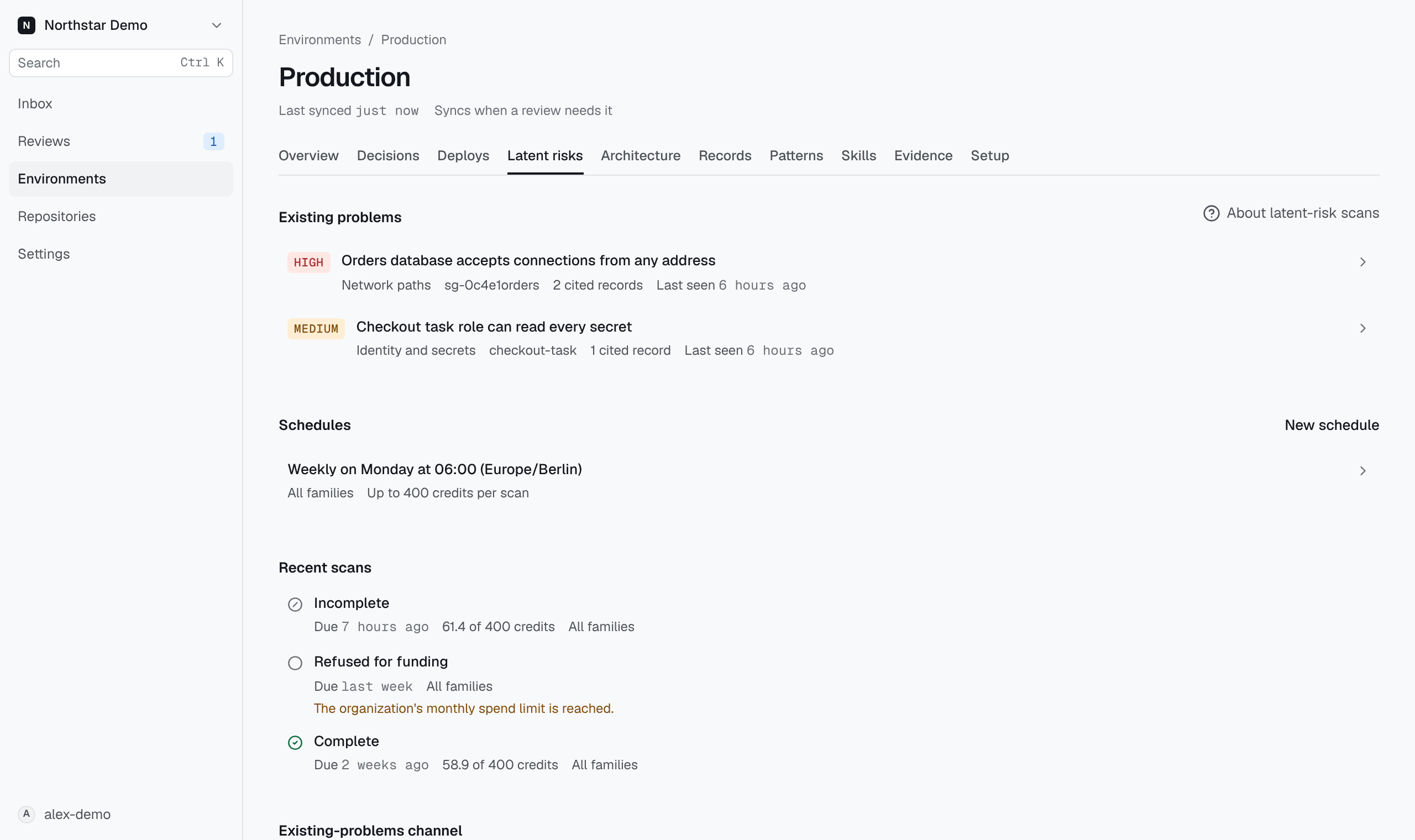
Create the schedule#
You need to be an administrator of the organization in GitHub. Every scan spends the organization's credits, so Proofline administrators cannot change schedules.
- On Latent risks, select New schedule.
- Under Families, keep the kinds of problem each scan examines.
- Choose Weekly or Nightly. A weekly schedule also needs a Weekday.
- Set the Time and the Time zone, such as
Europe/Berlin. - Enter the Credit ceiling per scan. A scan stops when its next model request would exceed this ceiling.
- Select Create schedule.
If Proofline refuses a value, the reason appears under that field.