
Share a filtered organization audit log
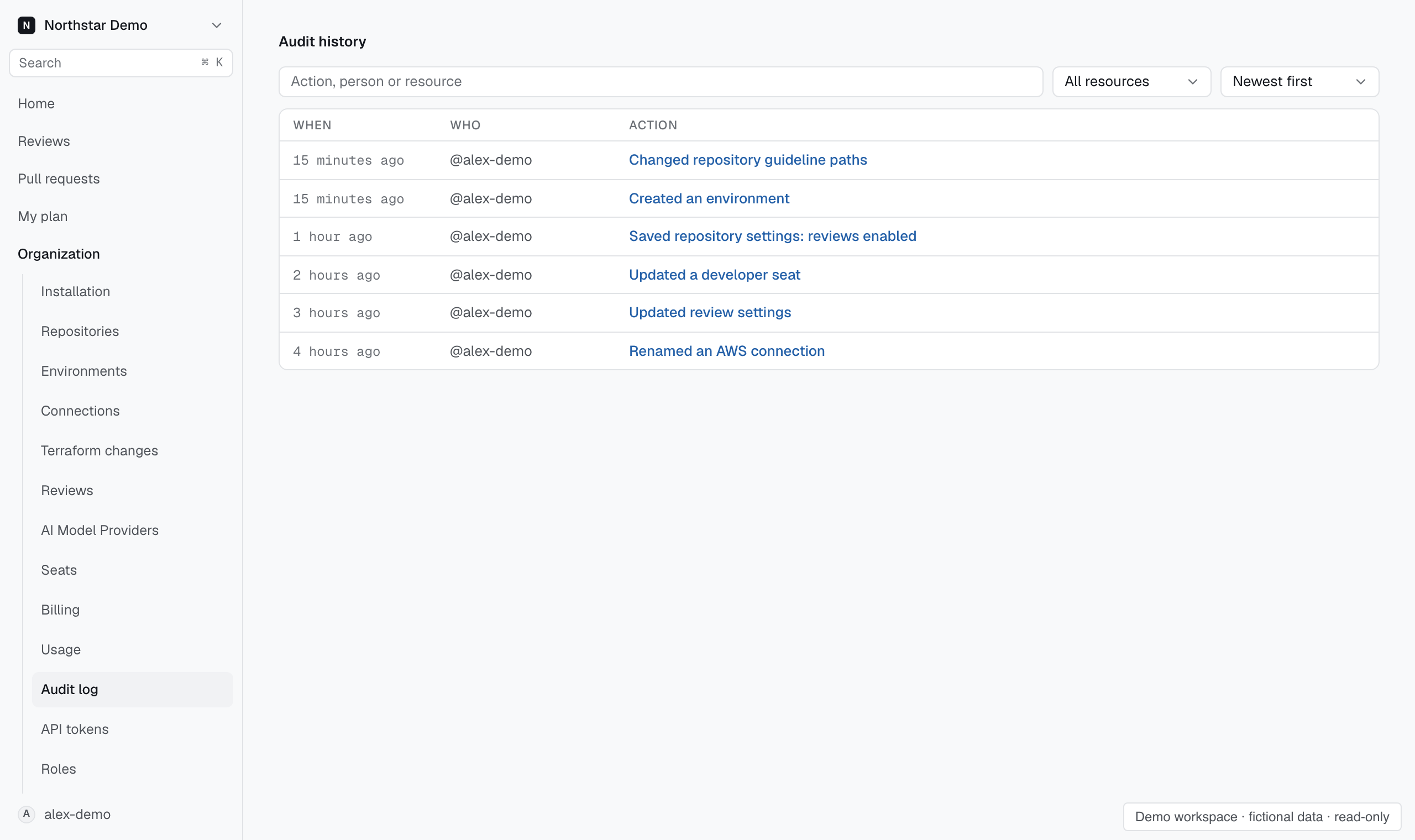
A filtered audit log address lets another authorized teammate inspect the same search and sort order. Open Settings → Organization → Audit log in the target organization.
Build the view#
Search for the action, person or resource. Use Resource to narrow the results and choose Newest first or Oldest first. Check the visible actor and time against the activity you are investigating.
Copy the page address once the list is filtered. Opening it restores the filters. The recipient still needs access to the organization's audit log.