
Trace a changelog entry to the original merge
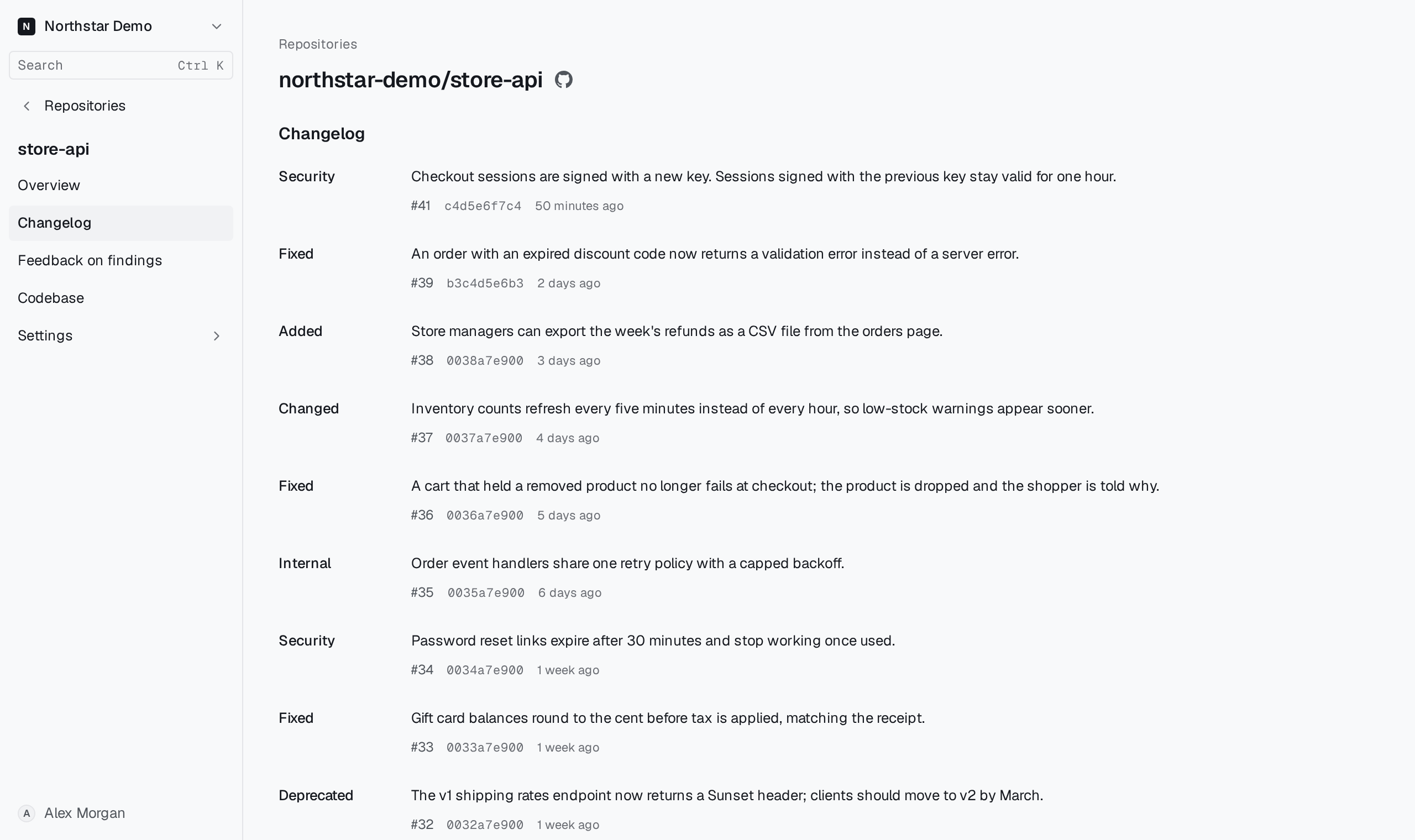
Open Changelog in the repository sidebar when you need the pull request or exact merged code behind a release note.
Open the source on GitHub#
Find the entry by its summary and merge time. Select the pull request number for the conversation and review history, or the merge commit for the code that landed. Use the page links at the bottom to reach earlier merges.
Some entries have a category such as Fixed or Security. Use the linked diff to confirm the scope of the change even when no category appears.