
Approve a pending change from the Installation conversation
An administrator can find a sensitive configuration request from the console even when the agent's original approval link is unavailable.
Find the pending card#
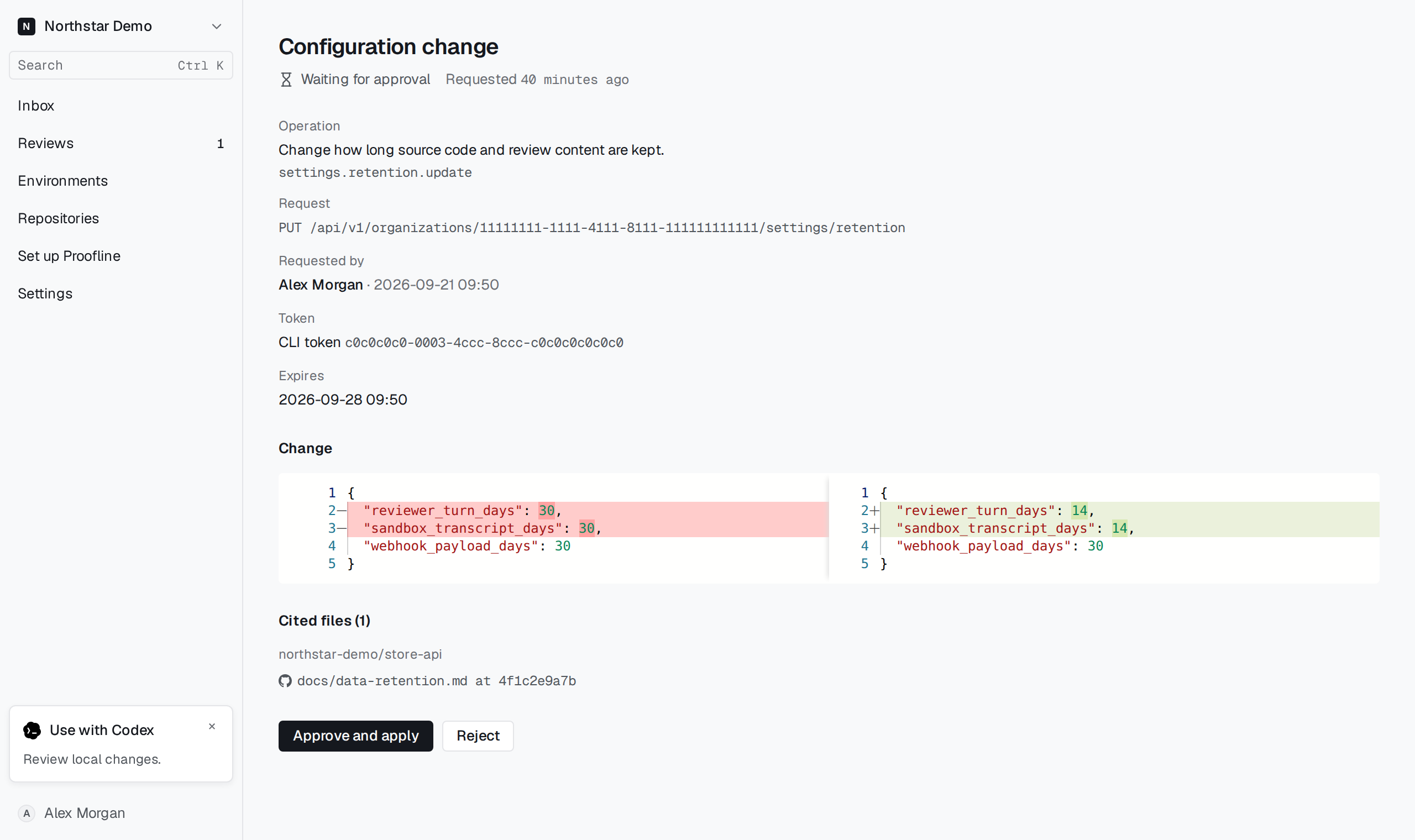
Open Installation → Next steps and locate Confirm a configuration change. Match its operation and requester, then select Review change. Inspect the changed fields and follow the repository references under Read from.
Select Confirm change to apply the proposal. If the conversation requires a fresh sign-in, sign in again and return to the pending request. An already decided proposal shows its recorded outcome.