
Check how a developer's reviewed changes were funded
A developer's seat row shows their review charges for the current month. Use the funding breakdown when a person's provider-billed usage looks different from the organization's credit spend.
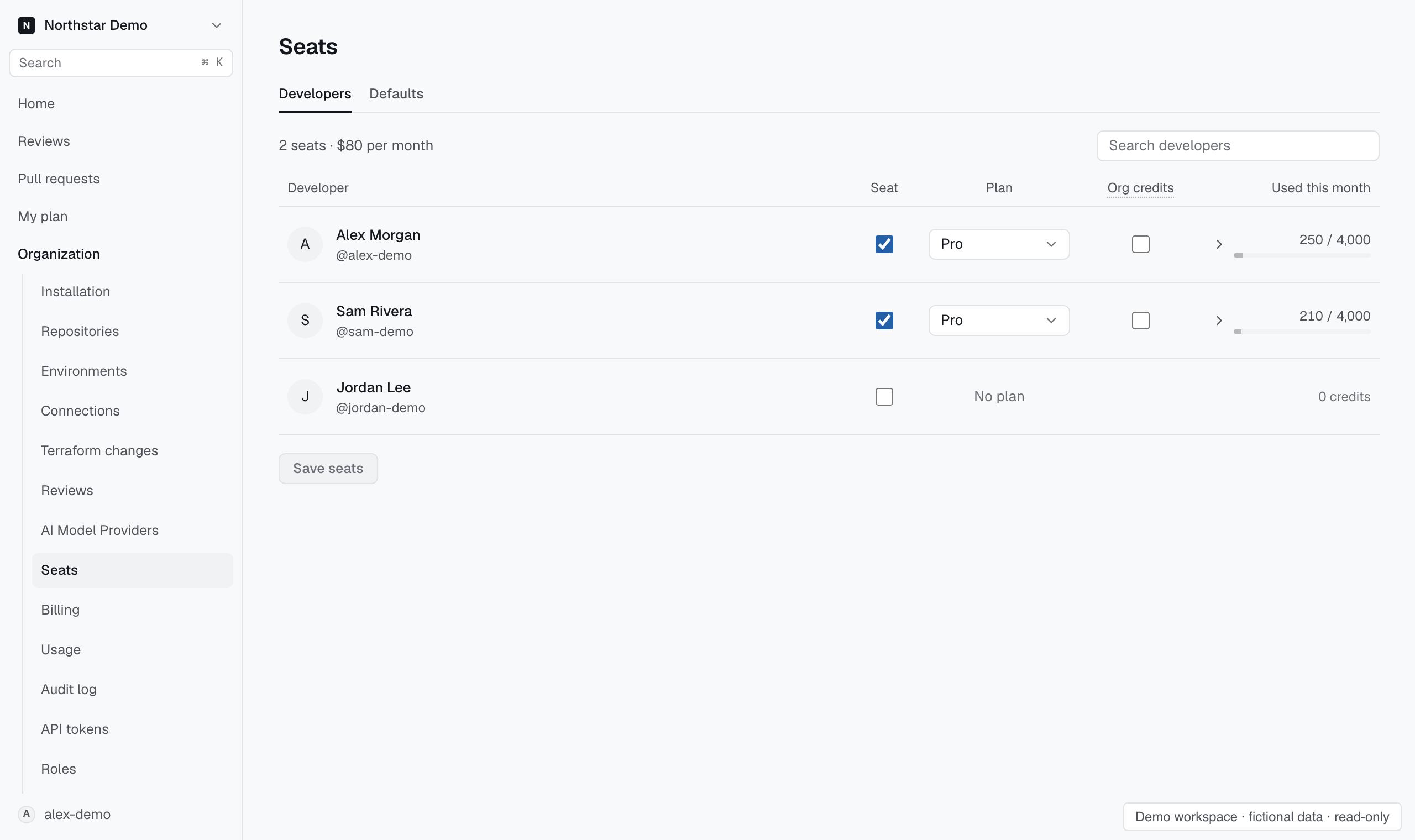
Read the developer's seat row#
In Settings → People → Seats, search for the developer. Find Credits this month and hover over or focus the amount to see the funding sources. Look for Own-key equivalent if reviews used the organization's provider key.
The equivalent represents model usage billed by your provider. To compare this developer with other people or repositories in the same organization, open Settings → Billing → Usage.