
Enable automatic seats for new pull request authors
Automatic seat assignment lets new human pull request authors qualify for review without waiting for an administrator to select them individually.
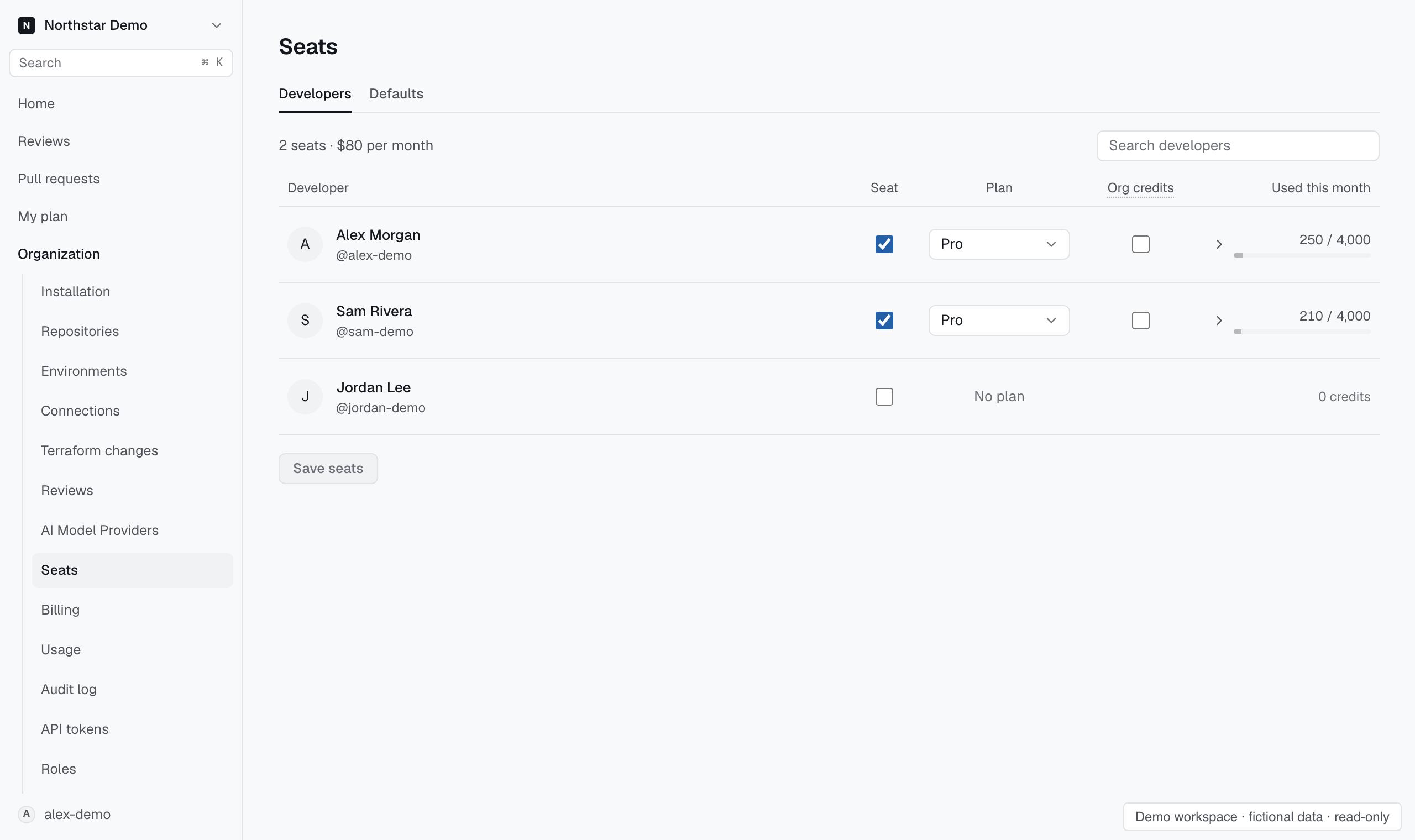
Change the seat rule#
Open Settings → People → Seats, select Automatically assign seats to pull request authors, and choose Save seats. A developer appears after a pull request from their account reaches Proofline.
Bots and people whose seats you explicitly removed remain excluded. To review a bot's pull requests, find its row marked Bot account and assign a seat explicitly.