
Choose deployment and Terraform notification emails
Email choices apply to the current organization. You can keep approval requests separate from updates about requests you started or deployments that regressed.
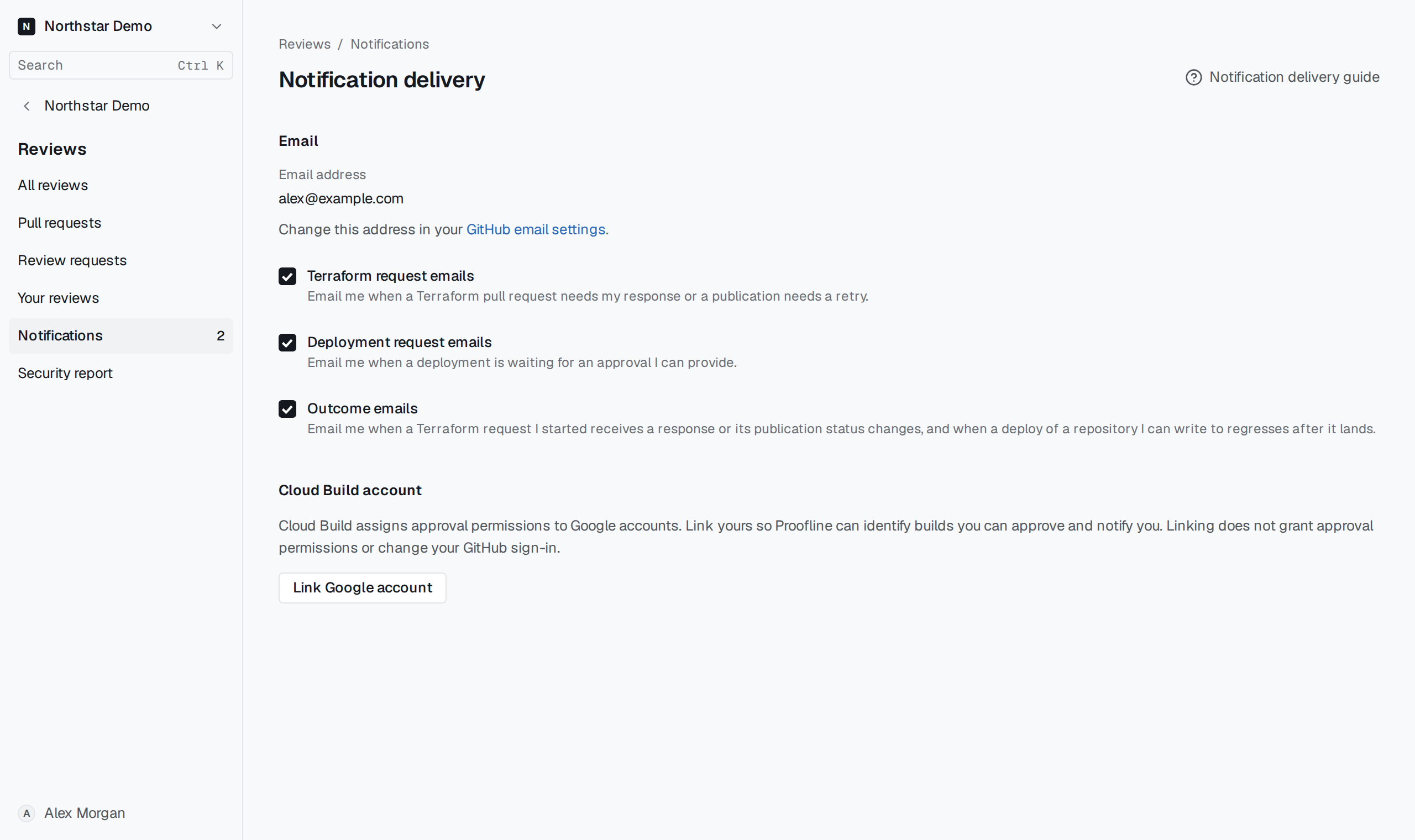
Set the delivery choices#
Open Reviews → Notifications → Delivery preferences. Under Email, choose Terraform request emails for requests needing your response, Deployment request emails for approvals you can give, and Outcome emails for subsequent outcomes.
Each checkbox saves immediately. Check the displayed GitHub address if a selected notification does not arrive, and read the original request from Reviews → Notifications.