
Link the Google account that approves Cloud Build requests
Connect the Google identity you use to approve builds so Proofline can identify requests you can answer. This setting appears under Cloud Build account when available.
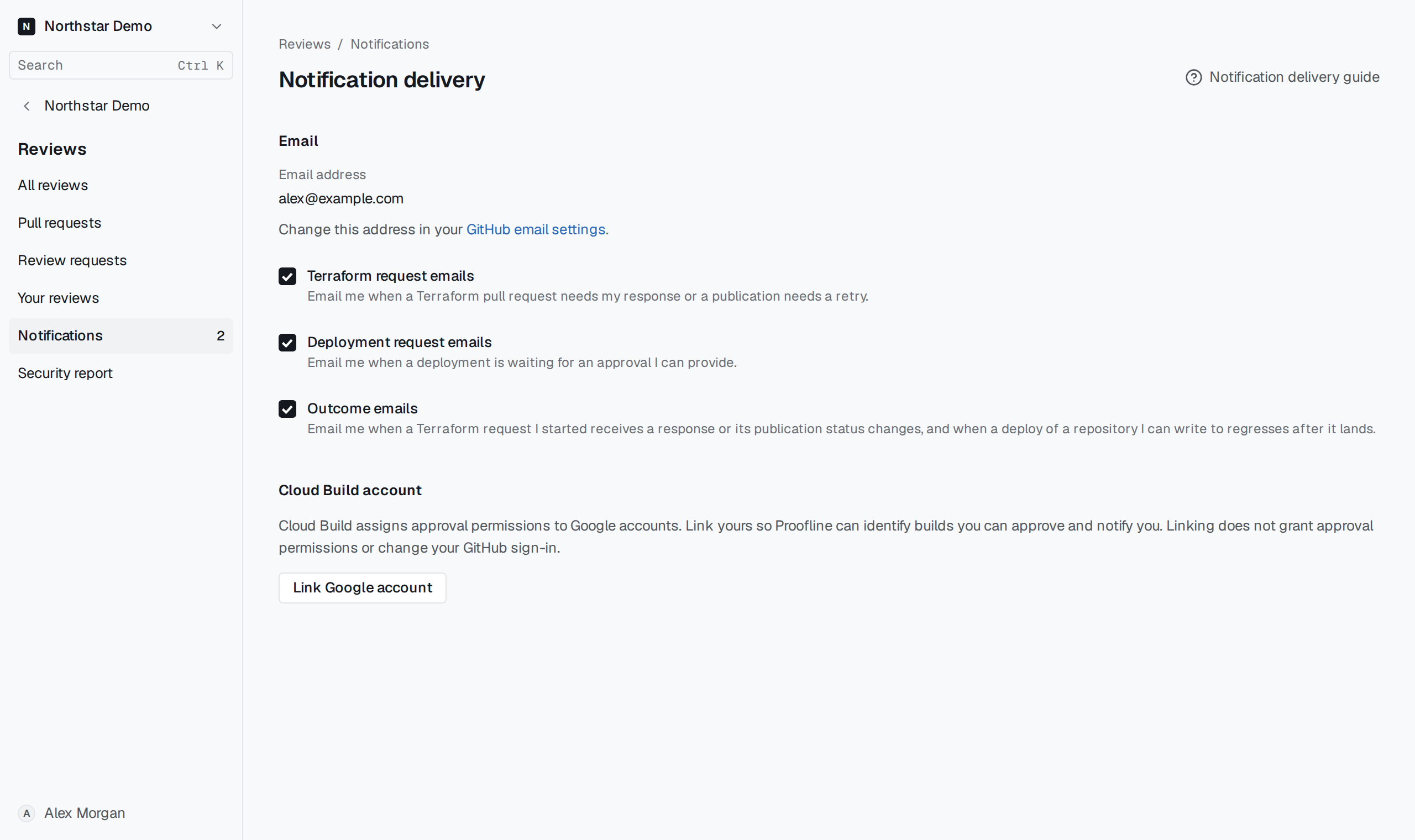
Choose the approval identity#
Open Reviews → Notifications → Delivery preferences, select Link Google account, and sign in with the account that already has the required Cloud Build permissions. Check the linked email when you return.
If you linked the wrong account, select Unlink Google account and repeat with the intended one. Google Cloud continues to decide who can approve each build.