
Disable a service account and all its keys
Disabling an organization service account permanently stops its keys. Use this when the automation identity itself is being retired.
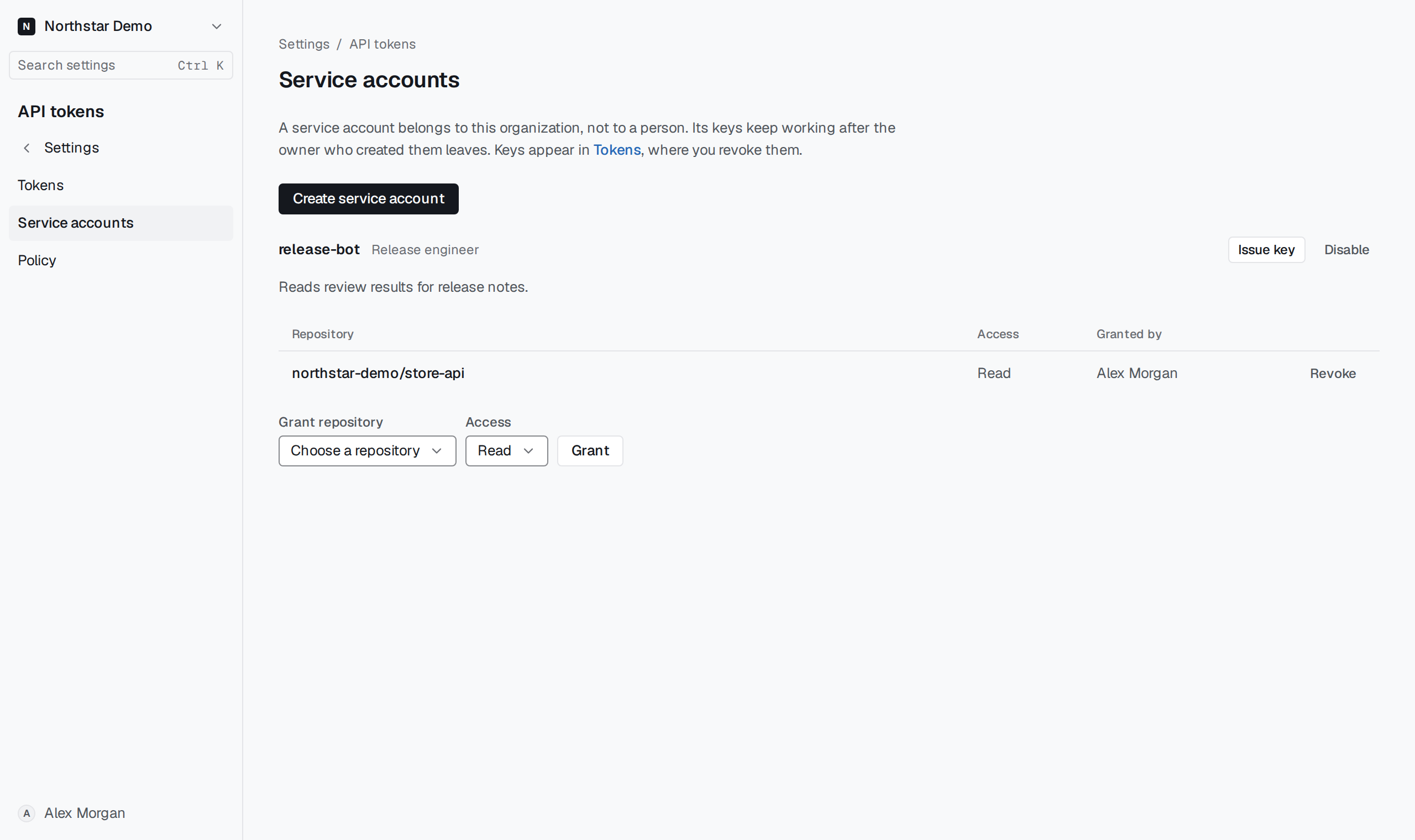
Confirm the account#
Open Settings → API tokens → Service accounts. Check the account and its repository grants, select Disable, then confirm Disable service account. To retire only one credential, revoke that key under Tokens.
The disabled account's history remains available. Restoring the automation requires a new service account, fresh grants and a new key.