
Find a developer missing from Seats
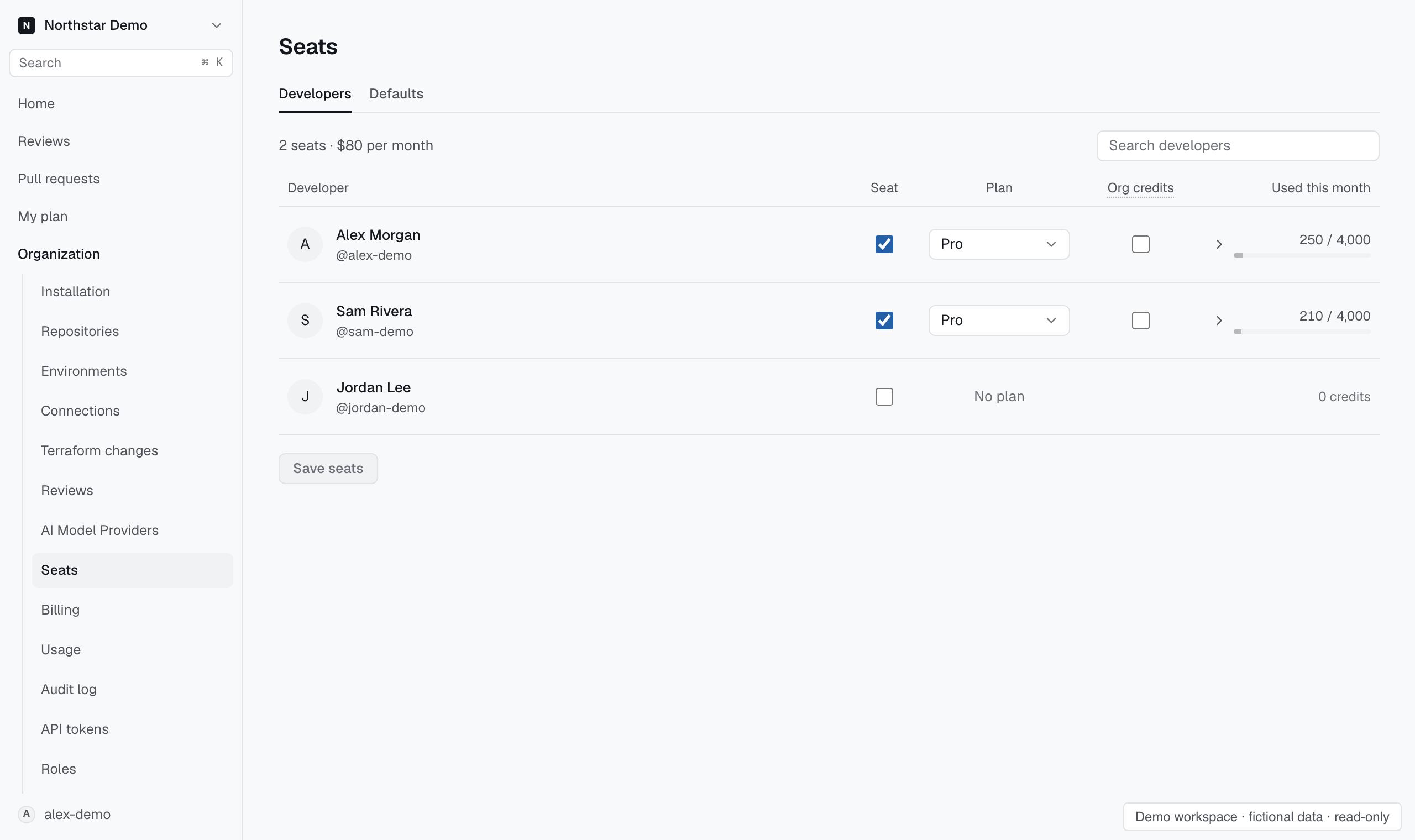
The seat directory draws from pull request authors Proofline has seen. An organization member can therefore be absent even when they already have GitHub access.
Check the repository first#
Open Repositories and confirm the GitHub App can access the developer's repository. In Reviews → Pull requests, find a pull request opened by their account. Return to Settings → People → Seats and search by login.
If the author is a bot, look after the people in the list for the Bot account label. Selecting its seat and saving makes the bot eligible for reviews.