
Inspect findings inside a reviewed diff
Open the pull request review's Changes tab and select the affected file to see findings at the lines they cite alongside the comparison.
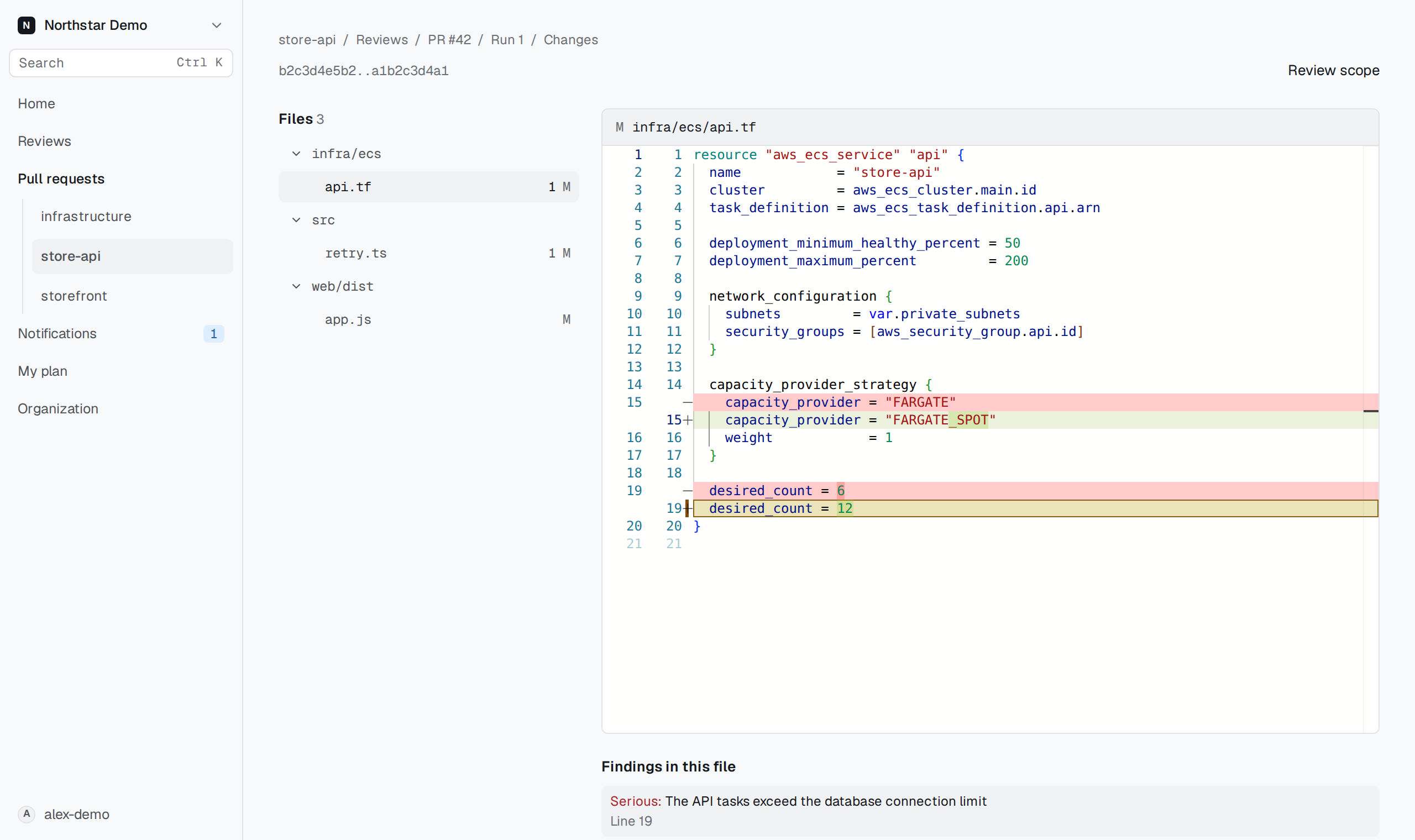
Inspect findings beside the code#
Each finding appears inside the diff under the line it cites, as Proofline's comment with its impact, recommended action and assessment buttons. A finding on a file that cannot be shown appears below the file's notice.
Use j and k for the next and previous file. Use n and p for the next and previous finding in a changed file, starting from the file in view. A finding that cites no changed file appears only on the review's Overview tab.