
Compare a renamed file at the reviewed base and head
Open the pull request review's Changes tab to follow a renamed file across the exact commit pair that Proofline reviewed.
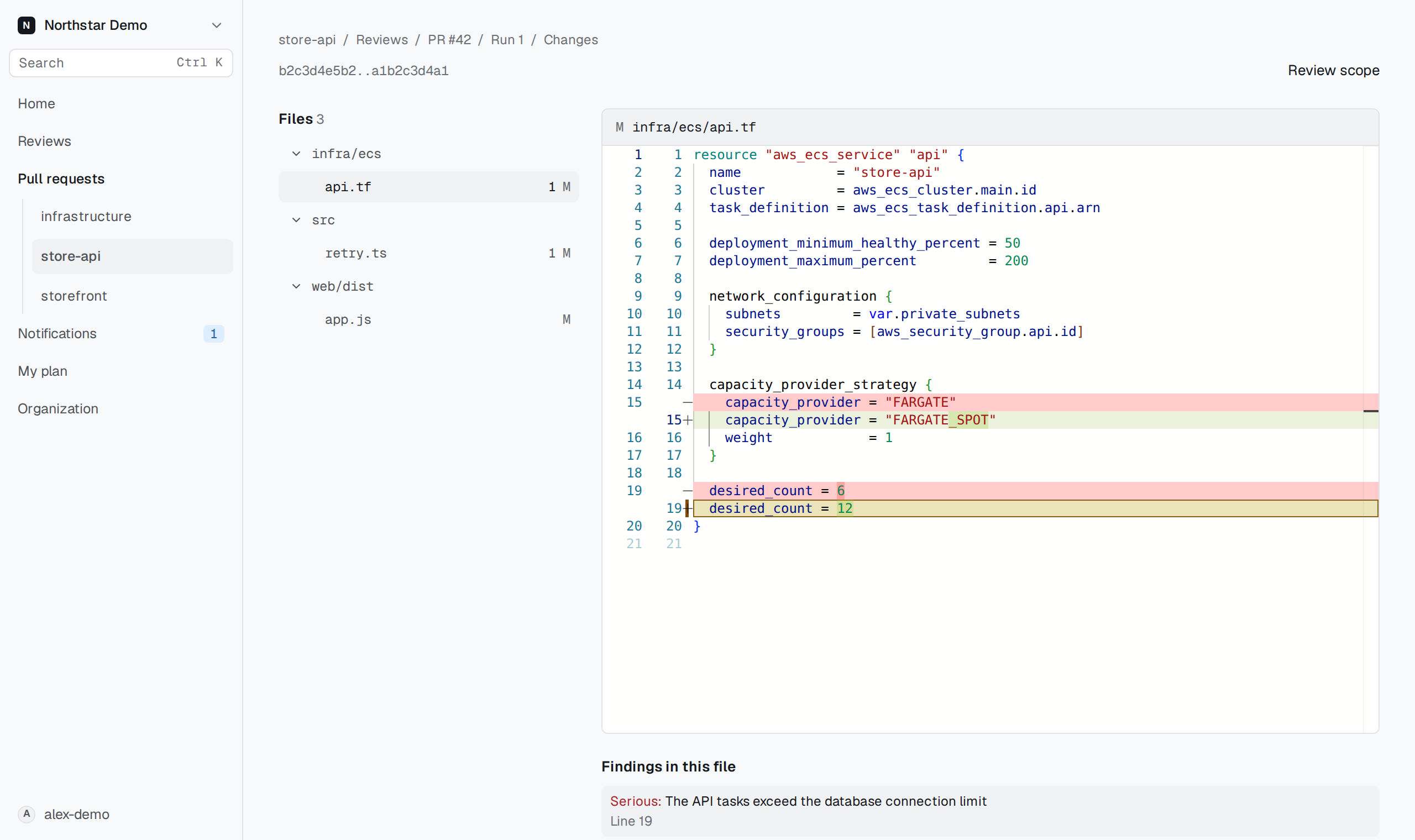
Follow the previous path#
Choose the renamed file in the changed-file list. Its header displays the new path and, when recorded, the previous path. Use the previous-path link to open the file on GitHub at the base commit. Compare that version with the change shown in the review.
Expand the file's changes if they are folded. To inspect code around a changed line, open the folded run of unchanged lines inside the diff.